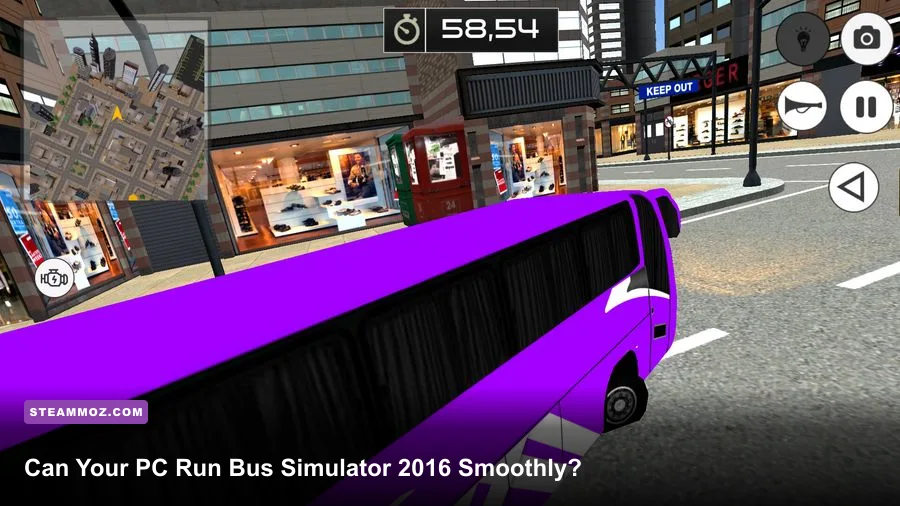
Bus Simulator 2016 can run on surprisingly modest hardware, but the recommended PC specs are the safer target if you want stable driving through traffic-heavy areas. The official minimum calls for a 64-bit Windows installation, an Intel Core i3-class processor, 4 GB of RAM, and a GTX 560 or Radeon R7 260-class graphics card. For a smoother 1080p experience, aim closer to an Intel Core i5 at 3.4 GHz, 8 GB of RAM, and a GeForce GTX 970 or Radeon R9 290. You’ll also need roughly 5 GB of free storage and DirectX 11 support.
Those numbers look tame beside modern open-world games, but Bus Simulator 2016 isn’t just rendering an empty road. It has city traffic, pedestrians, route activity, bus interiors, weather effects, and a large amount of simulation logic running while you’re trying to keep passengers happy. That means an old gaming PC may technically launch it yet still struggle with stutter, slowdowns, or inconsistent frame pacing.
Bus Simulator 2016 minimum and recommended specs
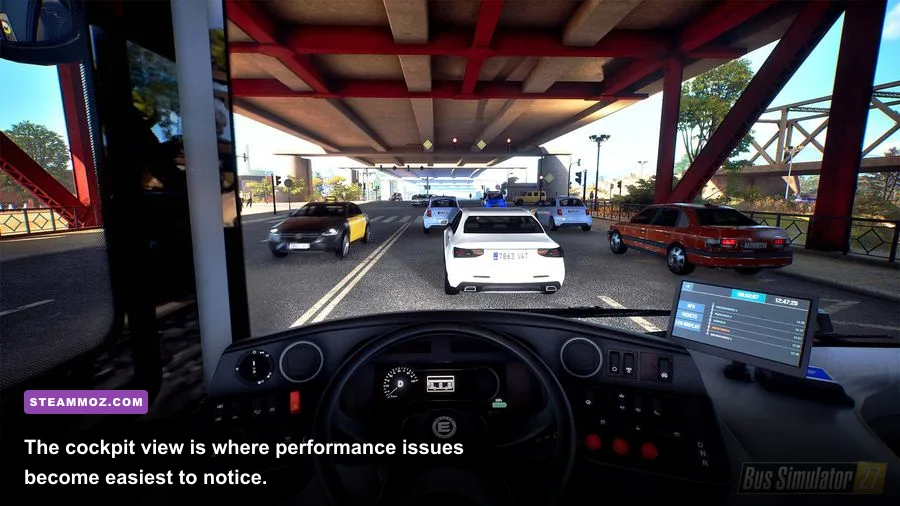
The table below separates the published baseline from the hardware profile that makes more sense for regular play. The minimum specification should be treated as a “the game starts and is playable” target, not a promise of locked 60 frames per second. The recommended graphics card is substantially faster, especially when the game is rendering a busy downtown route at 1080p.
| Component | Minimum | Recommended | What it means in practice |
|---|---|---|---|
| Operating system | Windows 7 64-bit | Windows 7/8/10 64-bit | Use a 64-bit Windows installation with current drivers. |
| Processor | Intel Core i3, 3 GHz | Intel Core i5, 3.4 GHz | The i5 target gives traffic and simulation tasks more breathing room. |
| Memory | 4 GB RAM | 8 GB RAM | 8 GB reduces hitching when background applications are open. |
| Graphics | GeForce GTX 560 or Radeon R7 260 | GeForce GTX 970 or Radeon R9 290 | The recommended tier is far more comfortable at 1080p. |
| DirectX | Version 11 | Version 11 | Your GPU and Windows installation must support DX11. |
| Storage | About 5 GB available | About 5 GB available | An SSD can improve loading and reduce general system sluggishness. |
The processor distinction matters more than the simple GHz figures suggest. Bus Simulator 2016 constantly manages vehicle movement, passenger behavior, route timing, and traffic interactions. A modern low-end CPU can outperform the old recommended i5, of course, but a very old dual-core chip may still cause brief freezes when the route becomes crowded.
Before buying, check the official Steam listing for Bus Simulator 16. Store requirements can change or be displayed differently depending on the platform, and driver support is always worth confirming through NVIDIA’s driver page or AMD’s official support page.

🎮 Bus Simulator 2016
Looking to experience this game? Grab your digital key directly on our store for $1.99.
View on Steammoz Store →What performance should you expect on older PCs?
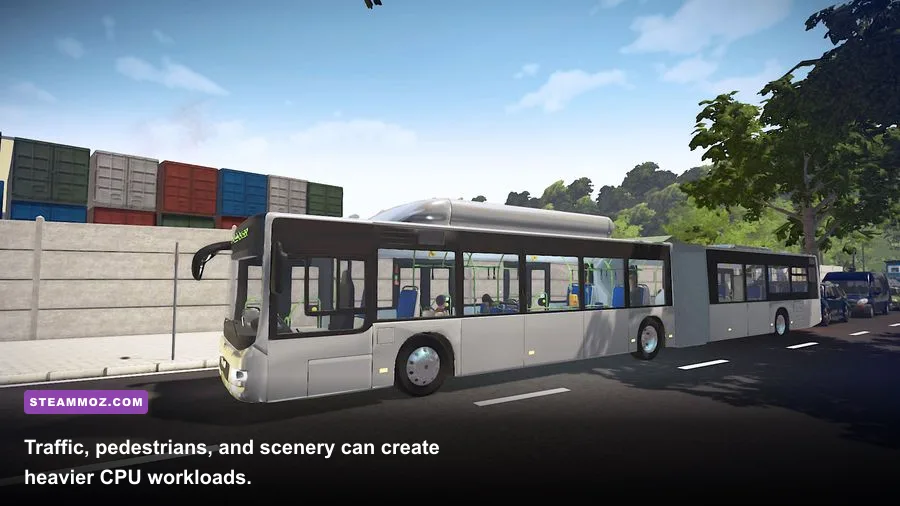
On hardware around the minimum specification, 720p or 900p with low-to-medium settings is the realistic starting point. You may see a playable average frame rate on quieter roads, followed by dips when multiple buses, pedestrians, buildings, and traffic events enter the camera view. These dips are usually more noticeable than a low average because driving games depend heavily on consistent frame delivery.
A GTX 560 or Radeon R7 260-class card can handle the basic rendering workload, but don’t expect every visual option at maximum quality. Shadows, ambient occlusion, reflections, and view distance are the settings most likely to punish older GPUs. If your machine has only 4 GB of system memory, close browsers, launchers, recording tools, and overlays before starting a route.
With a recommended-class PC, 1080p becomes the sensible target. A GTX 970 or Radeon R9 290 has enough headroom for higher texture quality and stronger scenery detail, while the Core i5-class CPU helps keep traffic-heavy sections from turning into a slideshow. The game is still old enough that a current entry-level GPU should have no trouble, provided the CPU and RAM aren’t severely outdated.
| PC profile | Suggested resolution | Starting preset | Likely experience |
|---|---|---|---|
| Minimum-class dual-core PC, 4 GB RAM | 1280×720 | Low | Playable on lighter routes, with dips in busy areas. |
| Older mainstream PC, 4-8 GB RAM | 1600×900 | Low-medium | Good compromise if shadows and view distance are reduced. |
| Recommended-class PC, 8 GB RAM | 1920×1080 | High | Smoother city driving with better scenery and bus detail. |
| Modern gaming PC | 1920×1080 or higher | High | Plenty of GPU headroom; CPU behavior still matters in dense scenes. |
Don’t judge performance only from the first tutorial drive. A quiet suburban stretch tells you very little. Test a route with intersections, passengers, and dense scenery, then watch for stutter while turning the camera or entering a major road. That is the closest thing to a real-world benchmark for this simulator.
Best graphics settings for smoother bus routes
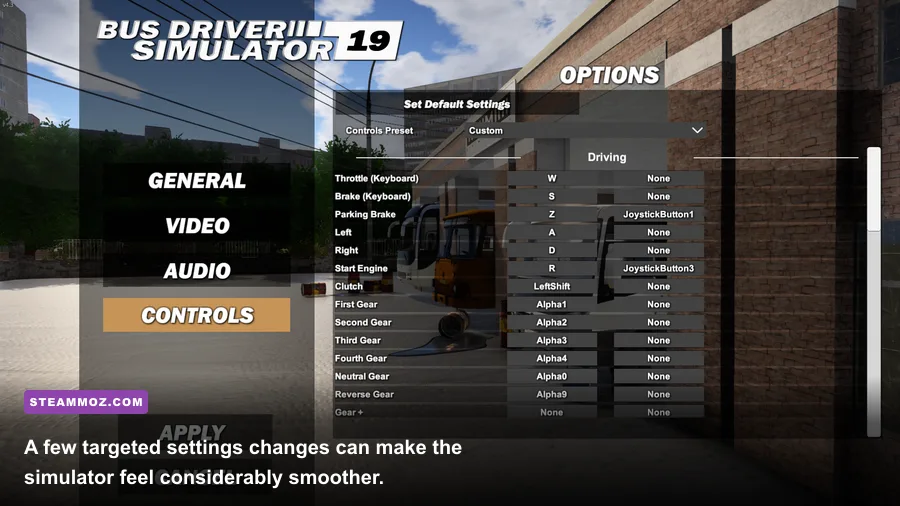
If Bus Simulator 2016 feels sluggish, lower settings in the right order rather than dropping everything to ugly minimum quality. Texture quality mainly affects VRAM and visual sharpness, while shadows and view distance can create larger performance gains. Start with the profile below, then raise individual options one at a time.
| Graphics setting | Recommended value on minimum PC | Performance impact | Visual trade-off |
|---|---|---|---|
| Resolution | 1280×720 or 1600×900 | Very high | Lower image clarity, but the biggest immediate FPS gain. |
| Texture quality | Medium | Low to medium | Buses and buildings remain reasonably detailed. |
| Shadow quality | Low | High | Less convincing lighting around vehicles and buildings. |
| View distance | Medium | High | Distant scenery and objects appear later. |
| Ambient occlusion | Off or low | Medium to high | Corners and contact shadows look flatter. |
| Anti-aliasing | Low or FXAA | Medium | More jagged edges, especially on road signs and railings. |
| V-sync | On if tearing appears | Variable | Can smooth presentation but may add input latency. |
Why shadows and view distance should go first
Shadows are expensive because the game must calculate lighting across streets, buildings, buses, and moving objects. View distance adds another layer: the engine has to keep more geometry and activity ready as you approach intersections. Lowering both usually helps more than destroying texture quality, and passengers will still look perfectly acceptable at medium textures.
For a recommended PC, keep textures high, use medium or high shadows, and start with a 1080p resolution. If frame pacing feels uneven, cap the frame rate to a value your system can hold consistently rather than chasing a peak number. A stable 30 or 45 FPS is preferable to a wildly fluctuating 70 FPS in a driving simulator.
For more PC-tuning ideas, Steamoz’s guide to settings that make every frame count covers the same practical approach: identify the expensive options, change one variable at a time, and test in the busiest area.
CPU, RAM, GPU, and storage checks before installation
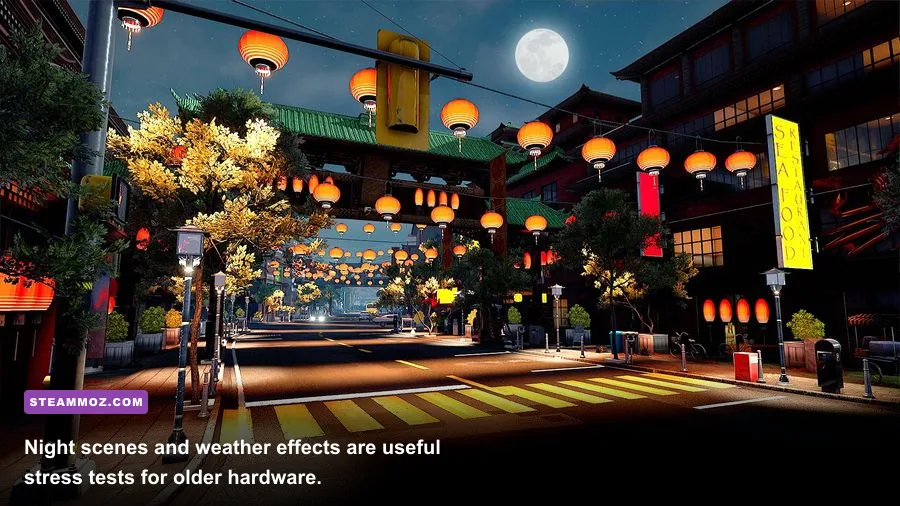
The graphics card gets most of the attention, but Bus Simulator 2016 can expose weaknesses elsewhere. A dual-core processor may satisfy the written minimum while struggling with traffic logic. If your CPU regularly reaches 100 percent during a route, reducing resolution won’t fix the core problem. Lower traffic-related visual complexity where possible, close background tasks, and avoid streaming or recording on a 4 GB system.
RAM is another easy trap. The game lists 4 GB as a minimum, but Windows itself consumes a substantial portion before Bus Simulator 2016 launches. With only 4 GB installed, the operating system may rely on the page file, producing pauses whenever new scenery or route data is loaded. An 8 GB machine is a much more comfortable baseline, and 16 GB gives modern Windows plenty of room for browsers, voice chat, and launchers.
Storage requirements are small at roughly 5 GB, but an SSD is still preferable. It won’t magically increase average FPS, yet it can shorten loading and make the whole system feel less strained. Leave additional free space for Steam updates and Windows’ temporary files rather than filling the drive to its limit.
| Upgrade priority | When it matters most | Expected benefit | Worth doing? |
|---|---|---|---|
| RAM from 4 GB to 8 GB | Stutter, paging, heavy background apps | Fewer pauses and smoother loading | Yes, the best first upgrade for many old PCs. |
| CPU upgrade | Traffic-heavy routes and CPU spikes | Better frame pacing and simulation response | Yes, if the processor is below the i3-class baseline. |
| GPU upgrade | Low FPS at 1080p or high settings | Higher resolution and visual quality | Yes, after confirming the CPU isn’t the bottleneck. |
| SSD installation | Long loading and an aging hard drive | Faster loading and less general sluggishness | Helpful, but not a direct FPS upgrade. |
How to verify your PC before buying
On Windows, press Win + R, type dxdiag, and inspect the System and Display tabs. You’ll see your processor, installed memory, DirectX version, and graphics hardware in one place. Compare the exact GPU model rather than relying on a brand name; “Radeon” or “GeForce” alone tells you almost nothing about performance.
Next, open Steam’s Bus Simulator 2016 page and check the current requirement text. If your system sits close to the minimum, plan to play at 720p with low shadows and medium textures. If it matches or exceeds the recommended tier, 1080p should be a comfortable starting point, though you should still test a busy route instead of assuming every scene will perform identically.
Keep expectations realistic about older operating systems, too. The listed requirements were written for the Windows versions available when the game launched, while modern Windows updates and graphics drivers can introduce compatibility quirks. Install the latest stable driver, verify the game files through Steam if it crashes, and disable unnecessary overlays before blaming the hardware.
Steamoz has also covered the value of checking practical PC requirements in this real-world PC specs guide. The same rule applies here: published minimums tell you whether a game can run, while your resolution, frame-rate target, background apps, and tolerance for stutter determine whether it feels good.
The verdict for modern and older gaming PCs
Bus Simulator 2016 is not demanding by current standards, but the minimum specification is best viewed as a safety floor. A 64-bit Windows PC with a Core i3-class CPU, 4 GB of RAM, and a GTX 560 or Radeon R7 260 can run it with sensible settings, especially at 720p. For a cleaner 1080p experience with fewer traffic-related slowdowns, the Core i5, 8 GB RAM, and GTX 970/R9 290 class remains the more reliable target.
The smart buying decision is simple: prioritize 8 GB of RAM and a capable CPU, then choose the GPU based on your resolution. If your machine only barely clears the minimum, lower shadows and view distance before sacrificing textures. If you’re already using a modern PC, the game should be easy to run, and the bigger challenge will be managing routes, passengers, and traffic—not keeping the frame rate alive.
Once the game is installed, pair the technical setup with practical route advice from Steamoz’s performance-minded beginner tips and keep your first test route short. A stable, consistent drive is exactly what Bus Simulator 2016 needs to sell its relaxed urban-driving fantasy.