
Barony is remarkably easy to run by modern PC standards: the minimum target is a 2 GHz dual-core CPU, 2 GB of RAM, and a GeForce 8800 GT or Radeon HD 4850, while the recommended configuration steps up to a 2.4 GHz quad-core processor, 4 GB of memory, and a GeForce GTX 660 or Radeon HD 7950. The bigger question isn't whether your gaming PC can render Barony; it's whether an older laptop can keep frame pacing stable during busy co-op fights.
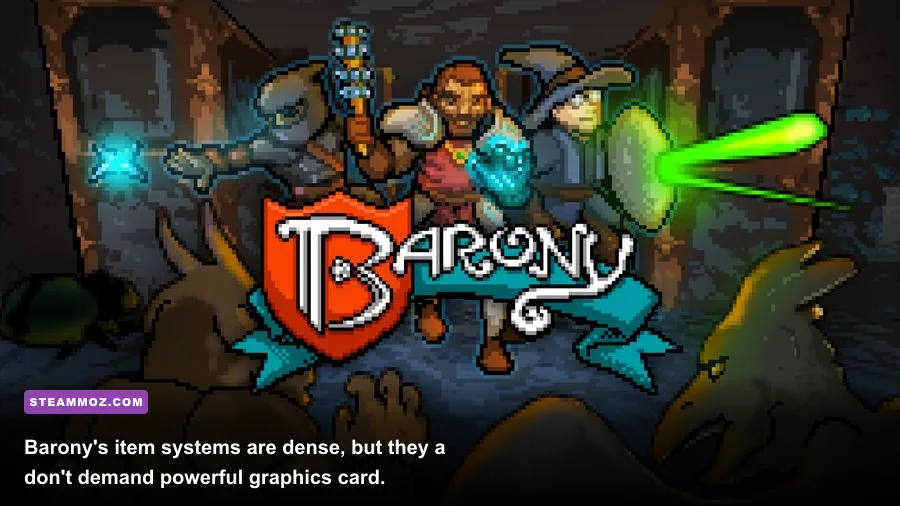
Turning Wheel's first-person roguelike uses chunky pixel art rather than photorealistic environments, so the listed requirements look tiny beside modern releases. Still, Barony throws procedural rooms, enemies, lights, particles, inventory interactions, physics-like item behavior, and multiplayer synchronization at your system. That makes the official minimum a useful starting line, not a guarantee of perfect 60 fps.

Barony minimum and recommended PC requirements
Here are the official Windows specifications listed for Barony on Steam. The storage requirement is only 1 GB, which is excellent news for older systems or compact handheld PCs. The graphics cards, however, date from the late 2000s and early 2010s, so almost any discrete GPU released in the last decade should clear them comfortably.
| Component | Minimum | Recommended |
|---|---|---|
| Operating system | Windows 7 | Windows 10 |
| Processor | 2 GHz dual-core CPU | 2.4 GHz quad-core CPU |
| Memory | 2 GB RAM | 4 GB RAM |
| Graphics | NVIDIA GeForce 8800 GT or AMD Radeon HD 4850 | NVIDIA GeForce GTX 660 or AMD Radeon HD 7950 |
| DirectX | DirectX 9.0c | DirectX 11 |
| Storage | 1 GB available space | 1 GB available space |
Those numbers tell you two important things. First, Barony is not a VRAM-heavy game. A modern integrated GPU can often outperform the minimum cards on paper, provided its drivers are current and it can use enough shared memory. Second, CPU age matters more than raw graphics horsepower once you add several players, summoned creatures, thrown objects, and active dungeon effects to the same room.
Windows 7 appears in the minimum listing, but it is no longer supported by Microsoft. If you're buying Barony today, Windows 10 or Windows 11 is the sensible target. Newer operating systems also make it easier to use current GPU drivers, borderless-window modes, controller support, and Steam's overlay without fighting compatibility issues.
Can an integrated GPU run Barony?
Usually, yes. Intel UHD, Iris Xe, and recent AMD Radeon integrated graphics are substantially newer than the GeForce 8800 GT and Radeon HD 4850. The catch is thermal throttling: a thin laptop may start a run smoothly and lose performance after sustained play. Plug the system in, use its performance power profile, and avoid running a browser with multiple video tabs in the background.
For a second opinion on how the developer frames the game and its updates, check Turning Wheel's official site alongside the Steam listing.
🎮 Barony
Looking to experience this game? Grab your digital key directly on our store for $4.99.
View on Steammoz Store →What hardware really affects Barony performance
Barony's visual style can fool you into thinking every component is irrelevant. That's not quite true. The GPU handles the obvious work—resolution, lighting, particles, and view distance—but the CPU has to keep the simulation moving. This matters when a dungeon room contains multiple monsters, fire, traps, dropped equipment, projectiles, and co-op players all acting at once.
| Hardware factor | Why Barony cares | Practical buying target |
|---|---|---|
| CPU single-core speed | Helps maintain responsive simulation and frame pacing | Modern 4-core laptop or desktop CPU |
| CPU core count | Provides headroom for co-op, Steam, voice chat, and background tasks | 4 physical cores or better |
| GPU | Controls resolution, lighting, effects, and visual stability | Any recent integrated GPU; entry-level dedicated GPU for high resolution |
| System memory | Supports the game plus operating system and multiplayer tools | 8 GB total system RAM is comfortable |
| Storage | Affects installation and general loading responsiveness | Any SSD with at least 1 GB free |
The official 2 GB minimum is enough for the game itself, but it's a harsh target for a real Windows session. Windows, Steam, Discord, browser tabs, and recording software can consume most of that allowance before Barony launches. Four gigabytes matches the recommended listing; 8 GB is the practical sweet spot today because it leaves room for everything around the game.
An SSD won't magically increase your average frame rate, but it does make restarts and loading less irritating after a failed run. Barony is a game built around experimentation and death. If every retry is slowed by a struggling hard drive, the rough edges become much more noticeable.
CPU versus GPU: which upgrade comes first?
If your GPU is newer than the GTX 660 but your laptop uses an old dual-core processor, a CPU limitation is the more likely culprit during crowded fights. If your processor is modern but you're pushing a high-resolution external monitor, reduce resolution or lighting quality before replacing anything. Barony's core loop remains perfectly playable at 1080p on modest hardware; chasing ultra-high resolution is where a low-end integrated GPU starts to sweat.
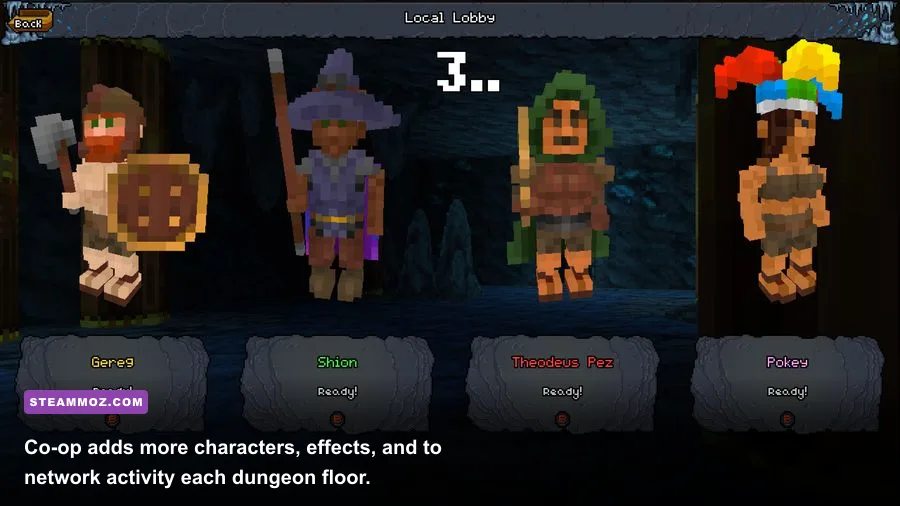
Multiplayer also changes the equation. A four-player session doesn't turn Barony into a modern blockbuster, but it puts more actors and networking work into the same simulation. Leave background encoding, browser-heavy streaming, and unnecessary overlays disabled if your machine only barely clears the minimum specification.
Best Barony graphics settings for stable frame rates
Barony doesn't need a complicated competitive settings profile. You want a clean image, readable threats, and consistent frame delivery when a Goblin, rat, or spell effect suddenly fills your view. Start with the native resolution and adjust the settings below in order. Don't immediately drop everything to the lowest preset; the game is visually simple enough that selective tuning usually looks much better.
| Setting or profile | Recommended value | Performance impact | Visual trade-off |
|---|---|---|---|
| Resolution | Native 1080p; 900p or 720p on weak laptops | High | Lower resolution softens pixel edges and interface text |
| Fullscreen mode | Exclusive fullscreen if available | Low to medium | Can improve consistency on older Windows systems |
| Lighting and shadows | Medium on integrated graphics; high on dedicated GPUs | Medium to high | Lower values make dark rooms flatter |
| Particles and effects | Medium | Medium during spells and fire | Fewer sparks and less visual clutter |
| View distance | Medium or high | Medium | Lower distance can hide distant enemies and room details |
| V-sync | On for tearing; off with a reliable adaptive-sync display | Low | Off may reduce latency but can introduce tearing |
| Frame cap | Match your monitor or use a stable 60 fps cap | Low | A cap improves consistency on thermally limited laptops |
For a minimum-spec machine, use 720p or 900p, medium lighting, medium particles, and a 60 fps cap. That profile reduces sudden drops without turning every dungeon into a blurry cave. A PC around the recommended target should handle 1080p with high lighting and a stable cap, though a crowded multiplayer floor may still produce brief dips.
If you see stutter rather than a consistently low frame rate, the problem may not be the GPU. Check whether the laptop is switching between integrated and dedicated graphics, whether Windows is using a balanced power plan, and whether a third-party overlay is polling the game. Steam's overlay, Discord, and capture tools are convenient, but older dual-core machines have little spare CPU time.
Why frame pacing matters in a roguelike
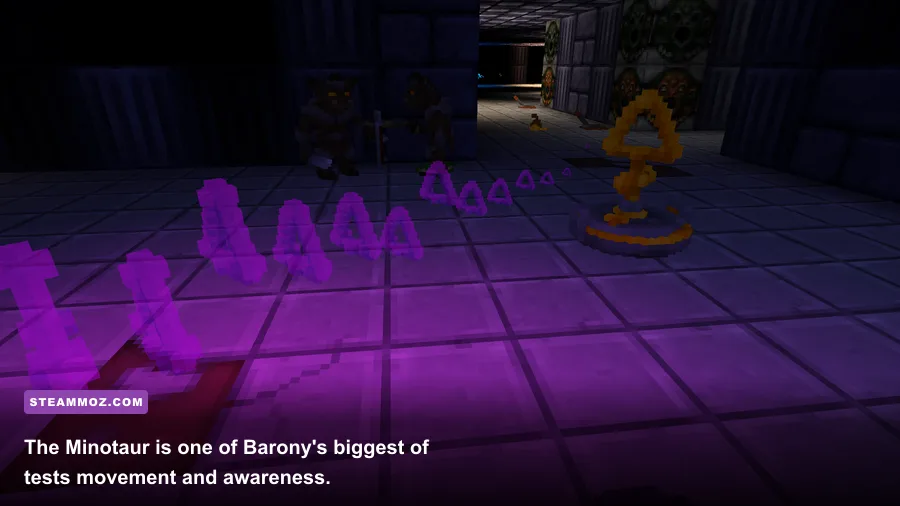
Barony punishes hesitation. A low average frame rate is annoying, but inconsistent frame pacing is worse because it can make a bite, projectile, or melee swing feel late. You need clean visual feedback to read hostile behavior, especially when a Minotaur enters a cramped corridor or when a spell effect obscures the floor.
Use a stable 60 fps rather than an unstable 120 fps target. If your display supports variable refresh, pair it with a frame cap that your system can actually maintain. The goal is not a benchmark screenshot; it's knowing that the image will respond the same way every time you turn a corner.
Barony gameplay systems that stress weaker PCs
Barony's minimum requirements are easy to meet because the game doesn't rely on massive textures or cinematic assets. Its challenge comes from simulation density. Every run asks you to manage equipment, food, health, hunger, magic, identification, and enemy positioning while descending through dangerous floors. The game includes classes such as Barbarian, Monk, Wizard, Rogue, Tourist, and Arcanist, and each one creates a different kind of workload for you—not a radically different graphics workload for your PC.
A Barbarian can keep combat direct with heavy melee weapons, while a Wizard depends on spell books, mana, and precise casting. The Rogue benefits from stealth and ranged options, and the Monk's unarmed approach rewards skill development and careful positioning. These differences matter for performance only when they produce more simultaneous effects: thrown items, fire, summoned creatures, and multiplayer chaos are the situations where a weak CPU can show its age.
| Barony activity | What you manage | Hardware concern | Player-side solution |
|---|---|---|---|
| Melee combat | Weapon range, stamina, enemy spacing, durability | Frame-time spikes can make hits feel delayed | Use a stable frame cap and lower effects first |
| Spellcasting | Mana, spell books, line of sight, friendly fire | Particles and lighting may spike GPU usage | Reduce particles and lighting before resolution |
| Inventory management | Identification, food, equipment, cursed items | Very little GPU pressure | Keep overlays and background apps under control |
| Large enemy rooms | Telegraphs, projectiles, doors, traps, escape routes | CPU and frame pacing matter most | Prioritize a consistent 60 fps target |
| Co-op runs | Revives, shared loot, friendly fire, communication | Simulation and network activity increase | Close capture tools and use wired networking if possible |
That systems-heavy design is why a PC can report high GPU usage in one room and then stutter in another despite the same resolution. A dark hallway with one rat is cheap. A multiplayer room with fire, thrown weapons, summoned monsters, and several enemies is a different test entirely.
New players should also understand that Barony is not a game where better hardware replaces good decisions. You still need to identify useful items, avoid wasting food, watch for traps, and learn enemy spacing. For broader roguelike survival habits, our Dins's Curse survival tips offer useful town-and-resource thinking, while Death Howl's progression guide covers the value of building momentum without taking reckless fights.
How to test Barony on your own PC
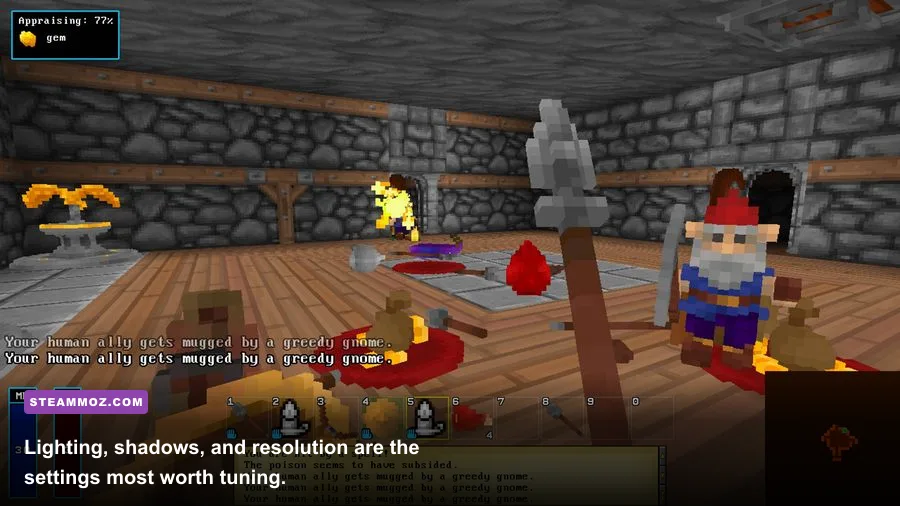
The most reliable answer to “can my PC run Barony?” is a controlled test, not a comparison based on a ten-year-old graphics card name. Install the game, set your desired resolution, and play through a few different environments. The opening floors may look smooth while a later room exposes CPU or thermal limits.
A practical five-minute test
1. Start at native resolution. Use the resolution you actually want to play at, not a low setting that hides the problem. Turn on a frame counter through Steam or your GPU software.
2. Test a normal dungeon corridor. Move, turn quickly, open doors, pick up items, and fight several basic enemies. Watch for hitching when new rooms appear. A steady reading is more useful than a short peak number.
3. Test effects-heavy combat. Use spells, throw items, trigger lighting changes, and fight in a room with multiple enemies. Wizard and Arcanist runs are useful here because spell effects can reveal GPU or frame-pacing trouble sooner than a quiet Barbarian run.
4. Test co-op if that's your main plan. Join a multiplayer session with the number of players you expect to use. Network lag and frame drops feel similar during a frantic fight, so check local frame time and ping separately when possible.
5. Repeat after the laptop warms up. Thin systems often perform well for the first few minutes and then throttle. Keep the charger connected, elevate the rear of the laptop, and retest after 20 to 30 minutes.
| Observed result | Likely cause | First fix to try |
|---|---|---|
| Low fps everywhere | Resolution, weak GPU, or power throttling | Lower resolution and use the performance power profile |
| Stutter when entering rooms | CPU load, storage delay, or background tasks | Close apps, use an SSD, and cap the frame rate |
| Drops during spells | Lighting or particle workload | Reduce effects and lighting before lowering resolution |
| Good solo, poor co-op | CPU, network, overlays, or capture software | Disable recording and test with fewer background processes |
| Performance falls over time | Thermal throttling | Improve airflow and check laptop temperatures |
If you're comparing Barony with other older PC games, don't assume a low listed requirement means every system behaves identically. Our guides to fixing crashes and low fps in City of Gangsters and checking Deadfall Adventures PC specs show why drivers, heat, and background software can matter as much as the headline GPU.
The bottom line
Any modern desktop should run Barony comfortably, and many office laptops will handle it at 720p or 1080p with sensible settings. Aim for at least 4 GB of RAM, a modern quad-core CPU, and an SSD if you want the smoothest experience. Integrated graphics are viable; an old dual-core laptop with only 2 GB of RAM is where expectations need to stay modest.
For the authoritative listing, keep the official Steam system requirements bookmarked, and use the Barony Wiki for the game's classes, items, enemies, and mechanics. Barony's visuals may be humble, but its dungeon simulation is wonderfully busy. Give it stable frame pacing, enough memory for your operating system, and a little CPU headroom, and your PC should be ready for the next disastrous descent.