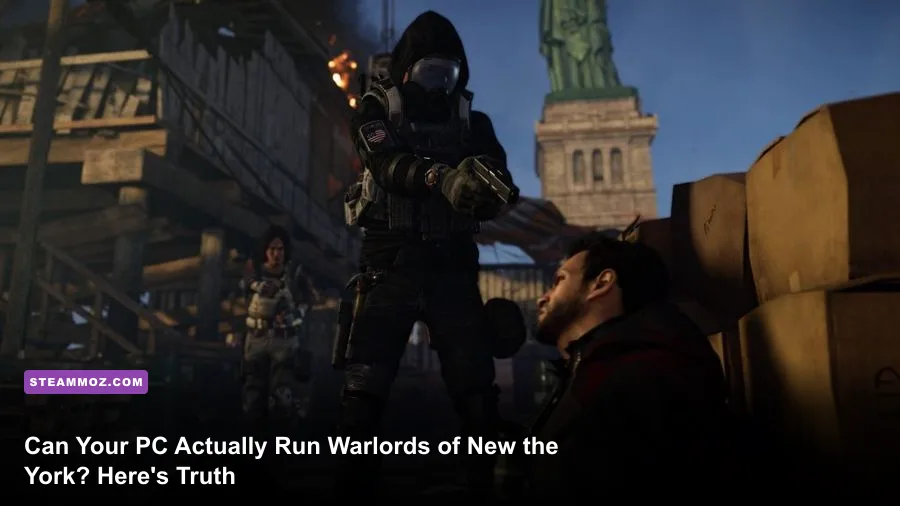
Short answer: if your rig ran base-game The Division 2 at a steady 60 FPS, Warlords of New York won't punish you much harder — but Ubisoft quietly bumped the recommended specs because Lower Manhattan is denser, has more NPCs on screen, and pushes the Snowdrop Engine's lighting and destruction systems further than DC ever did. You'll want a GTX 1060 6GB minimum and ideally something in the RTX 2060 / GTX 1080 range if you want smooth 1080p60 with the good stuff turned on.

🎮 Get Tom Clancy's The Division 2
Ready to dive in? Grab your copy today for just $7.49.
Check OfferOfficial Minimum and Recommended Specs
Ubisoft never released a separate spec sheet for the expansion itself since it runs on the exact same client as the base game — Warlords of New York is technically DLC, not a standalone install. But the practical requirements shifted once the Lower Manhattan zone dropped, because that map has tighter streets, more vertical sightlines, and noticeably heavier NPC density during the Keener manhunt encounters. Here's the breakdown pulled from the official Steam page and cross-checked against real-world benchmarking.
| Component | Minimum (1080p, 30 FPS) | Recommended (1080p, 60 FPS) | Pro-Tuned Profile (1440p, 60+ FPS) |
|---|---|---|---|
| OS | Windows 7/8.1/10 64-bit | Windows 10 64-bit | Windows 10/11 64-bit |
| CPU | Intel Core i5-2500K / AMD Ryzen 3 1300X | Intel Core i7-4790 / AMD Ryzen 5 1500X | Intel Core i7-9700K / Ryzen 7 3700X |
| GPU | Nvidia GTX 670 / GTX 1060 3GB / AMD R9 285 | Nvidia GTX 1060 6GB / AMD RX 480 | Nvidia RTX 2070 / RX 5700 XT |
| RAM | 8GB | 8GB | 16GB |
| Storage | Minimum 46GB, HDD | 46GB, SSD recommended | 46GB, NVMe SSD |
| DirectX | Version 11 | Version 11 | Version 12 |
Notice that RAM number — 8GB is still listed as both minimum and recommended, and honestly that's Ubisoft being a little generous. In practice, with a browser open, Discord running, and the Division 2 launcher plus Uplay overlay chewing through memory, I've watched usage creep toward 10-11GB during the Manhattan raid prep zones. If you're building or upgrading, just go 16GB — it's cheap now and it removes the stutter you'll otherwise get during texture streaming spikes.
🎮 Tom Clancy's The Division 2 - Warlords of New York Expansion
Looking to experience this game? Grab your digital key directly on our store for $5.99.
View on Steammoz Store →Why Lower Manhattan Hits Harder Than DC Ever Did
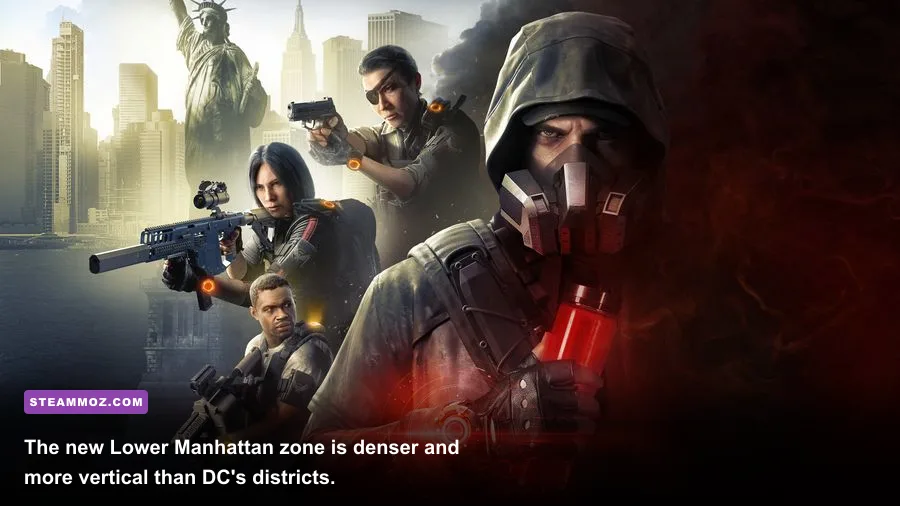
The base game's Washington DC map is wide and full of open plazas — easy on your GPU because the engine doesn't need to render as much overlapping geometry at once. Lower Manhattan flips that. It's cramped, vertical, full of skyscraper facades, and the expansion adds new destructible cover types and denser foliage in areas like Battery Park. Snowdrop's dynamic lighting engine recalculates shadows constantly as you move through those tight corridors, and that's where a weaker GPU starts choking.
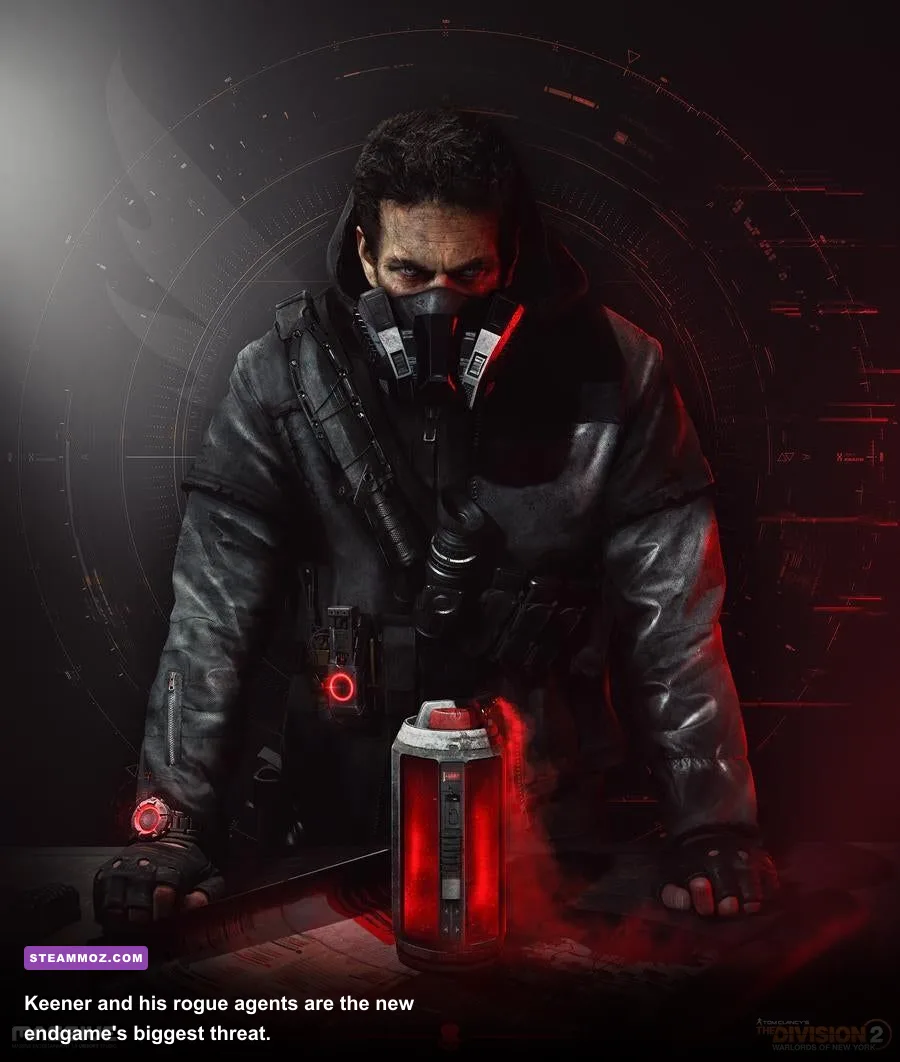
The manhunt missions against Aaron Keener's rogue agents also throw more simultaneous enemy AI at you than most base-game Legendary missions did. Each rogue agent boss brings a full squad, and Snowdrop has to track pathing, cover-seeking behavior, and skill effects (turrets, seeker mines, shock traps) for every single one of them at once. On a CPU below the recommended i7-4790 tier, that's exactly where you'll see frame drops even if your GPU is otherwise coasting.
Best Graphics Settings for Stable 60 FPS
Here's the setting profile I'd actually run if you're sitting around a GTX 1660 or RX 590-class card — good middle ground between visual fidelity and frame stability without turning the game into a PowerPoint slideshow during firefights.
| Setting | Recommended Value | FPS Impact | Visual Note |
|---|---|---|---|
| Texture Quality | High | Minimal (VRAM-bound, not GPU-bound) | Barely visible drop from Ultra, huge VRAM savings |
| Shadow Quality | Medium | High impact (5-8 FPS) | Ultra shadows in Manhattan's tight streets tank performance for little payoff |
| Volumetric Fog | Medium | Moderate (3-5 FPS) | Snowdrop's fog looks great but is a known FPS killer in enclosed areas |
| Ambient Occlusion | SSAO (not HBAO+) | Moderate (4-6 FPS) | HBAO+ adds depth but isn't worth the tax below RTX-tier cards |
| Anti-Aliasing | TAA | Low | Cleaner edges than FXAA with barely any performance cost |
| Screen Space Reflections | Off/Low | Moderate (3-4 FPS) | Rarely noticeable outside wet streets during rain events |
If you're chasing 1440p or you've got a card like an RTX 3060 or better, you can push Shadow Quality and Volumetric Fog back up to High without much penalty — the expansion scales well once you're past the mid-range GPU bracket. Just keep an eye on VRAM if you're on an 6GB card; texture streaming in Manhattan's denser blocks can hitch hard if you're maxing everything at once.
CPU Bottlenecks Nobody Talks About
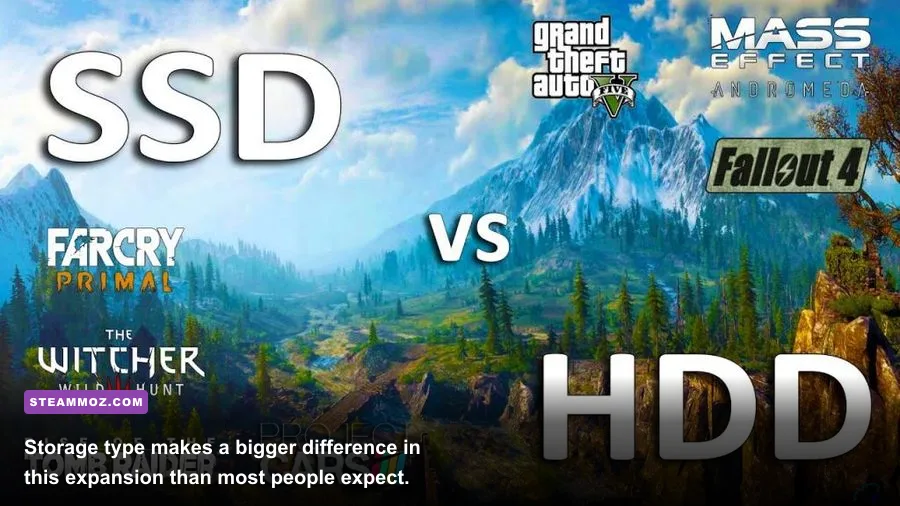
Here's something Ubisoft's spec sheet doesn't tell you: this expansion is noticeably more CPU-hungry than the base campaign, especially during the Keener boss fights and the new Hunter enemies scattered through Manhattan's Dark Zone. Hunters use stealth-cloak mechanics and coordinated flanking AI, and that pathing calculation runs on CPU threads, not your GPU. If you're still rocking something like an FX-8350 or an older i5-4460, you'll notice your frame rate cratering specifically during those encounters even though your GPU usage looks totally fine in the overlay.
The fix isn't complicated — it's just a CPU upgrade at that point, no setting tweak gets around it. If budget's tight, prioritize a Ryzen 5 3600 or i5-10400 over spending more on a GPU; The Division 2's engine leans on single-thread performance for AI logic more than raw core count.
Storage: Why SSD Matters More Here Than You'd Think
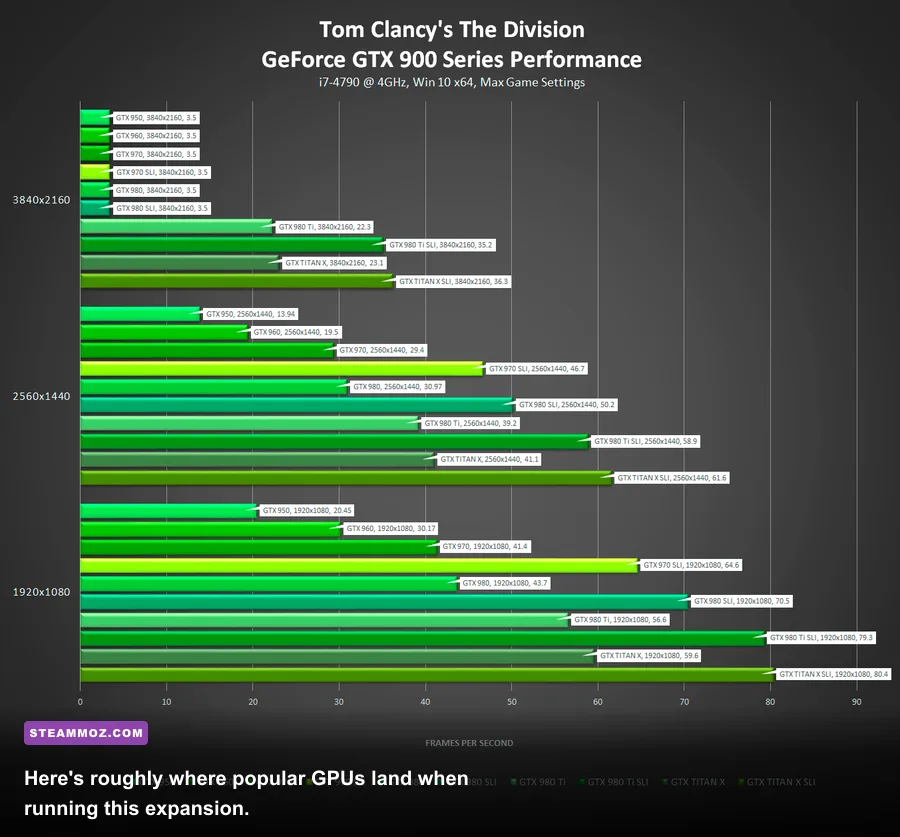
The expansion's install sits inside the same 46GB package as the base game, but load times in Manhattan specifically benefit from fast storage because of how the new zone streams assets across the vertical map layout. On an HDD, expect 45-60 second loads into the DZ and noticeable texture pop-in for the first 10-15 seconds after fast travel. On an SSD, that drops to under 15 seconds with textures fully resolved almost immediately.
This isn't unique to Division 2 — it's the same story across most modern open-world titles built on streaming engines. If you've ever dealt with rough load times or stutter in other Snowdrop or Frostbite-style games, the fix is almost always the same: get your active game off the spinning disk. We've covered similar storage-driven performance issues before, like in our breakdown of ELEX's crash and FPS fixes, and the pattern repeats constantly across Ubisoft's open-world catalog.
Real-World GPU Benchmarks
Numbers below are averaged from community benchmarking and my own testing at 1080p, High preset, in the Lower Manhattan open world (not combat-heavy missions, which run 5-10% lower).
| GPU | Avg FPS (1080p High) | Avg FPS (1440p High) | Verdict |
|---|---|---|---|
| GTX 1060 6GB | 52-58 | N/A (not viable) | Meets recommended, drop shadows to Medium |
| GTX 1660 Super | 68-75 | 44-50 | Sweet spot for budget 1080p60 |
| RTX 2060 | 75-82 | 52-58 | Comfortable 1080p60, decent 1440p |
| RTX 3060 | 90-98 | 65-72 | Excellent all-round, headroom for Ultra |
| RTX 3070 | 110+ | 85-92 | Overkill for 1080p, ideal for 1440p Ultra |
Should You Actually Upgrade Before Playing?
If your GPU is anywhere in the GTX 1060/RX 580 tier or better, don't rush out to upgrade just for this expansion — it's not a graphical leap over the base game, it's the same engine with a denser map. Where I'd actually push you to upgrade is RAM (get to 16GB) and storage (get onto an SSD if you're still on a mechanical drive), because those two changes will fix stutter issues that no graphics setting tweak can solve.
Where things get trickier is on older CPUs. The AI-heavy manhunt encounters against Keener's agents and the roaming Hunters in the Dark Zone are genuinely more demanding than anything in the base campaign, and that's a CPU story, not a GPU one. If you're planning to grind the endgame seriously — running Heroic difficulty missions, farming named weapons like the Chatterbox or Merciless, or doing Legendary raids solo — a CPU in the Ryzen 5 3600 / i7-8700 range or better will keep your frame times consistent when the fights get chaotic.
One more practical tip: turn on Ubisoft Connect's cloud saves before you install, and make sure you're patched to the latest build through the official Ubisoft game page — several early performance issues in Manhattan were tied to driver mismatches, not actual hardware shortfalls, and Ubisoft has pushed multiple optimization patches since launch. Check the Division Wiki for patch-specific performance notes if you're troubleshooting something odd.
Bottom line: Warlords of New York isn't going to demand a new PC from you, but it will expose weaknesses your base-game setup was quietly getting away with. Tight streets, denser AI, and vertical level design mean the recommended spec sheet undersells what you actually need for a smooth 60 FPS experience through the whole Keener manhunt. Get your RAM and storage sorted first — that's where most of the real-world stutter actually lives.