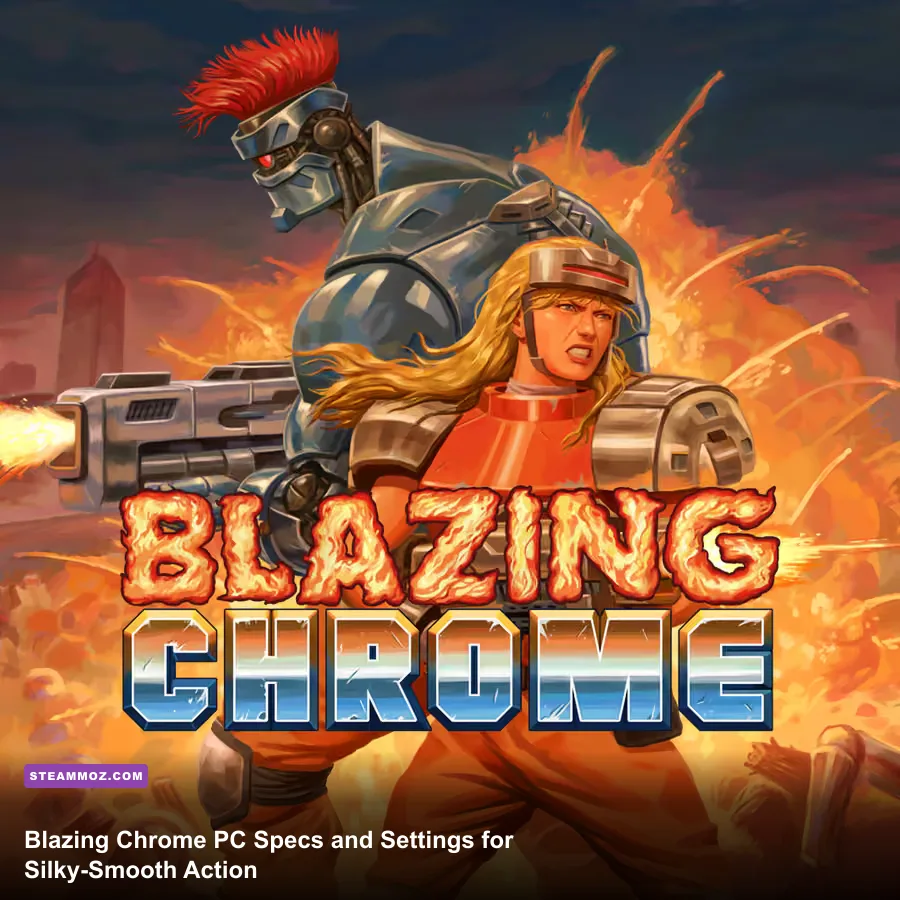
Blazing Chrome is one of the easiest modern action games to run on PC. The official minimum is just a Windows 7 system with an Intel Core 2 Duo E8400-class processor, 2 GB of RAM, a GeForce 9600 GT-class graphics card, DirectX 9, and 1 GB of free storage. For a smoother modern setup, aim for a dual- or quad-core Intel Core i3-class CPU, 4 GB of RAM, any integrated graphics from the last several years, and an SSD with at least 2 GB free. That is comfortably above the listed requirement and leaves plenty of headroom for stable 60 FPS play.
Those numbers matter because Blazing Chrome is built around timing, not graphical spectacle. JoyMasher's tribute to 16-bit run-and-gun classics throws Mavra and Doyle into dense firefights, scrolling set pieces, giant machine bosses, and crowded projectile patterns. A dropped frame during a jump or a late input during a boss volley can cost a life, so the useful question isn't whether your PC can display the pixel art. Almost anything can. The useful question is whether your system can keep the game responsive while recording, streaming, or running background apps.
Before buying, check the official Blazing Chrome Steam page and compare your machine against the figures below. If you're also checking other lightweight games, our guide to Drawful 2 PC specs shows just how different low-demand games can be depending on their engine and target hardware.
Blazing Chrome minimum system requirements

The official PC requirements are unusually modest, but don't mistake “minimum” for “ideal.” The Core 2 Duo E8400 is an old two-core processor from 2008, while the GeForce 9600 GT belongs to the same era. These parts are enough because the game uses deliberately constrained pixel-art visuals, compact levels, and a 2D presentation rather than a modern 3D renderer loaded with post-processing.
| Component | Official Minimum | What It Means in Practice |
|---|---|---|
| Operating system | Windows 7 | Windows 10 and Windows 11 are the safer choices for current drivers and controller support. |
| Processor | Intel Core 2 Duo E8400 or equivalent | A modern low-end laptop CPU is several generations ahead. |
| Memory | 2 GB RAM | Enough for the game itself, but 4 GB is more comfortable with browsers and recording tools open. |
| Graphics | GeForce 9600 GT or equivalent | Modern integrated graphics should clear this bar without difficulty. |
| DirectX | Version 9.0 | The game does not require a current DirectX 12-class GPU. |
| Storage | 1 GB available space | Reserve 2 GB to allow room for updates and installation overhead. |
The only caveat is that old hardware can fail for reasons unrelated to raw rendering power. A machine that technically matches the requirement may still suffer from an aging hard drive, thermal throttling, outdated graphics drivers, or a controller layer that adds input delay. If you're reviving an old desktop for Blazing Chrome, install the latest driver available for the GPU, close unnecessary overlays, and test the game in a real stage rather than judging performance from the title screen.
Windows 7 is listed by Steam, but it is no longer supported by Microsoft. That doesn't make the game suddenly demanding; it makes the operating system the less sensible part of the setup. Windows 10 or 11 is preferable for security, controller detection, and compatibility with newer capture software. The game itself remains lightweight on either version.

🎮 Blazing Chrome
Looking to experience this game? Grab your digital key directly on our store for $4.24.
View on Steammoz Store →Recommended PC specs for a stable 60 FPS
There is no separate high-end “recommended” specification prominently published on the Steam listing, so the table below is an editorial target rather than an official certification. It is intentionally conservative. A modern Core i3, Ryzen 3, or equivalent laptop processor paired with 4 GB of RAM and integrated graphics should be more than enough for the game's native workload.
| Component | Practical Recommended Target | Why This Is Enough |
|---|---|---|
| Operating system | Windows 10 or Windows 11, 64-bit | Better driver support, controller compatibility, and background-task management. |
| Processor | Intel Core i3 or AMD Ryzen 3, modern generation | Provides ample single-thread performance for consistent input and frame pacing. |
| Memory | 4 GB RAM | Leaves room for Steam, Discord, a browser, or lightweight recording software. |
| Graphics | Intel UHD Graphics, Radeon integrated graphics, or better | Dedicated gaming hardware is unnecessary unless you want to stream or multitask heavily. |
| Storage | 2 GB free, preferably on an SSD | The game is small, while an SSD improves launch and loading responsiveness. |
| Display target | 1080p at 60 FPS | Matches the game's fast platforming and shooting rhythm. |
A dedicated GTX 1050, RX 560, or anything faster is complete overkill for rendering Blazing Chrome, though that isn't a criticism. If your PC already contains one of those cards, the game should have no trouble running at 1080p, 1440p, or higher resolutions. The bottleneck is more likely to be frame pacing caused by overlays or a display configuration than GPU horsepower.
The 60 FPS target is worth emphasizing. This isn't a turn-based game where a tiny hitch is merely ugly. Mavra's slide, jump, weapon pickup, and shot timing all happen inside a strict action-game rhythm. Enemies fire in patterns designed to be read and dodged. A smooth presentation makes those patterns easier to learn, especially in later stages where screen clutter ramps up quickly.
What hardware does Blazing Chrome really use?
Blazing Chrome looks busy, but its visual complexity is mostly artistic rather than computational. The game layers animated sprites, parallax backgrounds, explosions, muzzle flashes, and large mechanical enemies over a 2D playfield. It doesn't ask your graphics card to calculate a modern 3D environment, dynamic global illumination, volumetric fog, or high-resolution texture streaming.
That explains the enormous gap between the minimum GPU and a modern integrated GPU. Intel UHD graphics may sound weak beside a desktop graphics card, but recent integrated solutions are dramatically faster than a GeForce 9600 GT and benefit from newer drivers. Even budget laptops can generally handle the game at 1080p. The more important distinction is between a healthy modern machine and an old system that is technically compliant but fighting background software or heat.
The CPU requirement is similarly forgiving. The game needs enough processing power to update enemies, collision checks, projectiles, scrolling, and input without introducing stutter. It doesn't simulate a huge open world or stream complicated geometry. A current entry-level CPU has several times the single-threaded performance of the listed E8400 and should remain relaxed during normal play.
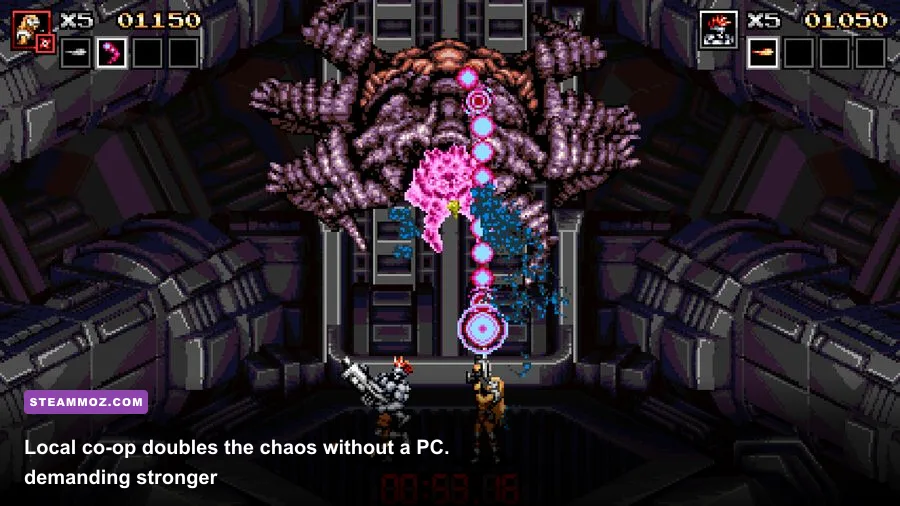
Local co-op with Mavra and Doyle doesn't transform the game into a demanding multiplayer title. The second character adds more action, projectiles, enemy interactions, and visual effects, but the overall hardware target remains low. What does change is the amount of information your eyes must parse. Two players can fill the screen with shots and explosions, so a stable frame rate becomes even more valuable than it is in solo play.
For context, the game's difficulty curve rewards the same discipline as the stealth planning discussed in our Desperados III review, but the execution is completely different. You aren't waiting for a patrol route here. You're reading telegraphs in fractions of a second, preserving weapon power, and deciding when to advance instead of firing blindly.
Graphics settings that matter most
There aren't dozens of PC options to tune, and that's a good thing. Blazing Chrome is a focused arcade-style game, not a graphics showcase. Most players should begin at native resolution, fullscreen mode, and a 60 FPS target. From there, troubleshoot only if you see obvious hitching, tearing, or input delay.
| Setting or Adjustment | Recommended Value | Performance Impact | Visual or Gameplay Note |
|---|---|---|---|
| Resolution | Native display resolution | Low on modern hardware | Preserves crisp pixel art; lower only on very old integrated graphics. |
| Display mode | Fullscreen | Low | Usually gives the cleanest presentation and avoids desktop scaling surprises. |
| Frame rate | 60 FPS target | Low | Best balance for jumps, slides, boss patterns, and weapon timing. |
| V-sync | On if tearing appears | Minimal | Can reduce tearing, though some systems may feel slightly less immediate. |
| Background overlays | Disable unnecessary overlays | Variable | Steam, Discord, GPU capture, and browser overlays can affect frame pacing. |
| Recording or streaming | Use hardware encoding when available | Moderate | Prevents CPU spikes from interrupting projectile-heavy scenes. |
If the game stutters
Start with the boring fixes because they work. Update the graphics driver, switch between fullscreen and borderless if your system offers both, and close animated desktop utilities. Disable browser video playback and hardware-heavy overlays. If you use a wireless controller, test with a cable; apparent frame problems are sometimes Bluetooth input interruptions.
Next, check whether the issue is genuine frame-rate loss or synchronization. Tearing appears as horizontal breaks during scrolling, while stutter feels like uneven motion even when an FPS counter looks high. V-sync can solve the first problem. The second may respond better to disabling overlays, changing display mode, or limiting background activity.
Don't immediately lower the resolution. On a game designed around sharp sprites, a blurry 720p image can look worse without solving a CPU-side hitch. Reduce resolution only if your machine is genuinely ancient or if you are running through an unusual compatibility layer.
Best PC setup for Mavra, Doyle, and boss fights
Hardware preparation is only half the performance story. The game is structured around short, intense encounters, and its difficulty comes from overlapping threats rather than enormous maps. Mavra's responsive movement makes her a strong choice for learning patterns, while Doyle's heavier combat presence can feel more forgiving when you need to hold ground and clear a lane. Neither character changes the published system requirements, but both benefit from consistent input latency.
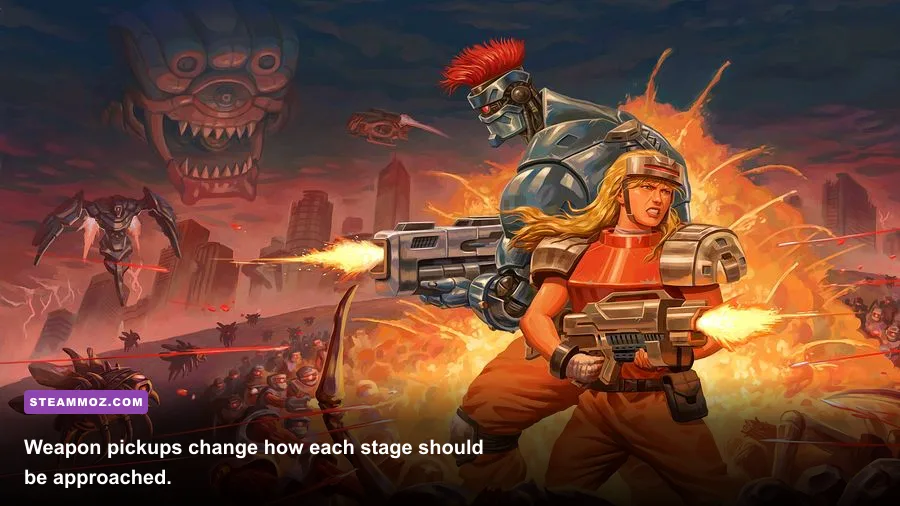
Weapon management is especially important. Pickups such as the spread weapon and laser can radically change your approach to enemy formations. The spread shot is excellent when robots approach from multiple heights, while a more concentrated weapon is safer for bosses and armored targets if you can keep your aim disciplined. Losing a powered-up weapon isn't a minor inconvenience: it can turn a comfortable section into a scramble for survival.
Run-and-gun games punish panic. Keep firing while moving, but don't assume more bullets solve every problem. Some enemies are positioned to force a jump, slide, or pause. Learn the difference between a projectile you can outrun and one that requires a vertical dodge. On a stable 60 FPS setup, those cues remain consistent from attempt to attempt, which is exactly what you need when memorizing a stage.
| Play Situation | Main Threat | Best Response | PC Performance Priority |
|---|---|---|---|
| Dense robot formation | Multiple enemy firing angles | Use spread coverage, keep moving, and clear the nearest lane first. | Stable frame pacing for readable projectile motion. |
| Scrolling platform section | Blind jumps and moving hazards | Watch the next platform before committing; avoid rushing after a pickup. | Low input latency and a locked 60 FPS target. |
| Large machine boss | Screen-filling attacks and delayed telegraphs | Study the animation before firing; save the strongest weapon for exposed windows. | Disable overlays that can create sudden frame-time spikes. |
| Local co-op | Overlapping shots and character movement | Keep players on separate vertical lanes when possible. | 4 GB RAM or more if voice chat and recording are active. |
| Challenge or replay runs | Small timing errors compound quickly | Use the same resolution, controller, and frame-rate setup every attempt. | Consistent frame pacing matters more than maximum resolution. |
If you're new to this style of game, don't judge your setup based on the opening minutes alone. Later areas add more aggressive enemy placement and larger set pieces. A weak system may appear fine in a quiet opening corridor, then reveal stutters when explosions, projectiles, and several animated enemies appear together. Test a demanding stage, run a boss attempt, and keep an eye on whether the game feels consistent rather than chasing a high FPS number.
Is Blazing Chrome suitable for a low-end laptop?
Yes. Blazing Chrome is an excellent low-end PC recommendation, provided the laptop is not suffering from severe thermal or driver problems. The official 2 GB RAM requirement is low enough for older machines, and the 9600 GT-class GPU requirement is far below what most functional laptops released in the past decade can deliver. Integrated graphics should be the default expectation, not a desperate fallback.
A practical low-end profile looks like this: Windows 10 or 11, a recent Intel Core i3 or Ryzen 3, 4 GB RAM, integrated graphics, fullscreen at 1080p, and a 60 FPS cap. If the laptop struggles, plug it into AC power, choose the system's performance power mode, and make sure the game isn't running through a battery-saving GPU profile. Laptops often throttle aggressively on battery, and that can create inconsistent timing even when the average frame rate appears acceptable.
An SSD isn't required for rendering performance, but it is preferable for the overall experience. The game only needs 1 GB of storage, so installation is easy even on a small drive. The SSD recommendation is about avoiding sluggish loading and ensuring the operating system isn't fighting a nearly full mechanical disk.
The bottom line is refreshingly simple: if your PC can run ordinary modern 2D indie games, it can almost certainly run Blazing Chrome. Match or exceed the official E8400, 2 GB RAM, and 9600 GT baseline, then target a modern Core i3-class system with 4 GB RAM for a worry-free experience. The game won't test your GPU, but it will test your reflexes. That's a much better bargain.
For more lightweight PC recommendations and performance-focused guides, browse our coverage of Dragonkin: The Banished settings, Dungeon Siege on modern PCs, and Dins's Curse survival tips. You can also check the JoyMasher official website and the Arcade Crew publisher site for developer and publisher information.