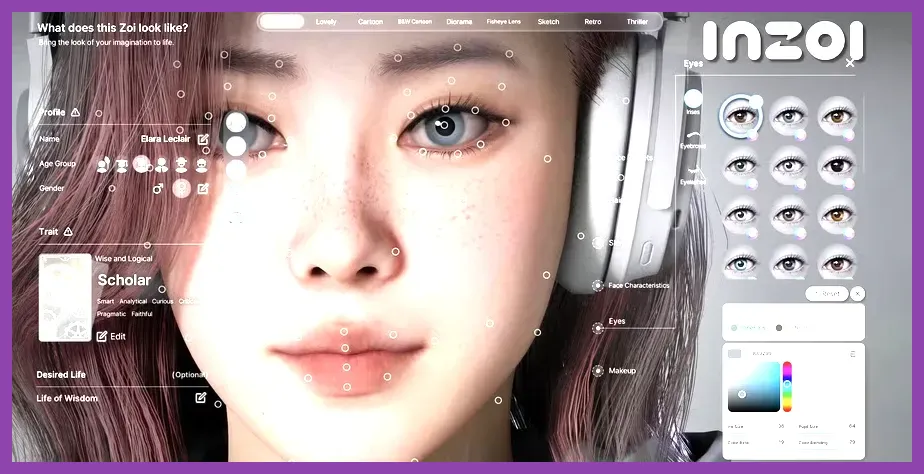
There are currently no traditional secret characters to unlock in inZOI. The game has no confirmed cheat-code roster, hidden recruit quest, or completion reward that adds exclusive playable Zois. Instead, the characters players often call “secret” are found through Create a Zoi, the community Canvas, or ordinary NPC encounters in the game’s cities. To play one, create or download the Zoi, save it to your library, and add it to an active household.
This distinction matters because guides promising a hidden vampire, celebrity, boss, or mascot character are usually confusing community creations with official content. inZOI is a life simulation from KRAFTON, not a party-based RPG with a locked character roster. Its Early Access structure also means menus and social features can change between updates. Before following any supposed unlock method, compare it with the current inZOI Steam page and the latest notes from the official inZOI website.
Are There Secret Characters in inZOI?
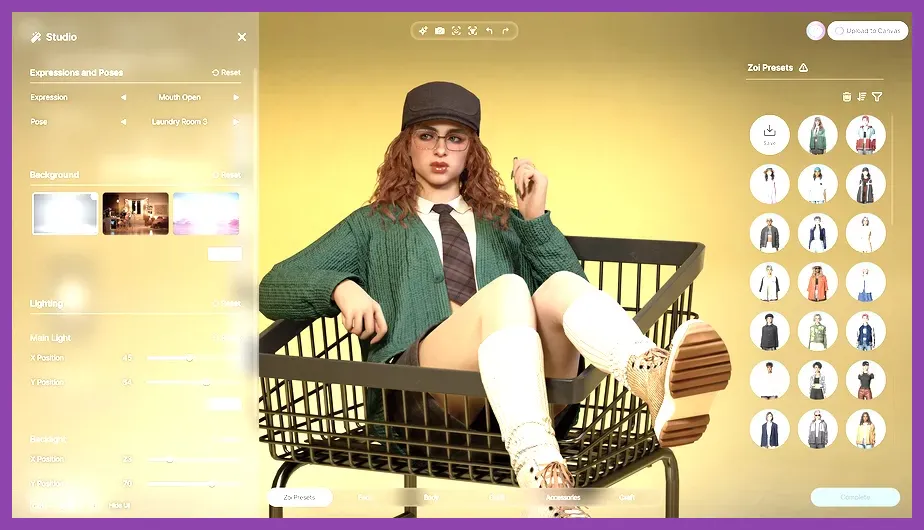
As of the current Early Access version, inZOI does not have a documented list of unlockable secret characters. You will not unlock a special Zoi by reaching a specific Fame level, completing a career, buying a particular house, or finishing a city objective. The game’s central character system is designed around making a Zoi rather than collecting predefined heroes.
There are three types of characters that can be mistaken for secrets:
- Playable custom Zois: Characters made in Create a Zoi and assigned to your household.
- Canvas creations: Zois uploaded by players and downloaded into your local library.
- World NPCs: Residents generated or placed around the city who can be met, befriended, dated, hired, or added to a household depending on the available interaction.
That means there is no “unlock all secret characters” checklist in the same sense as a game such as Armored Core 6 or Destiny 2. For comparison, Steamoz’s guides to Armored Core 6 secret characters and Destiny 2 secret characters cover games with actual gated rewards. inZOI currently works differently.
How to Create Every Playable Zoi
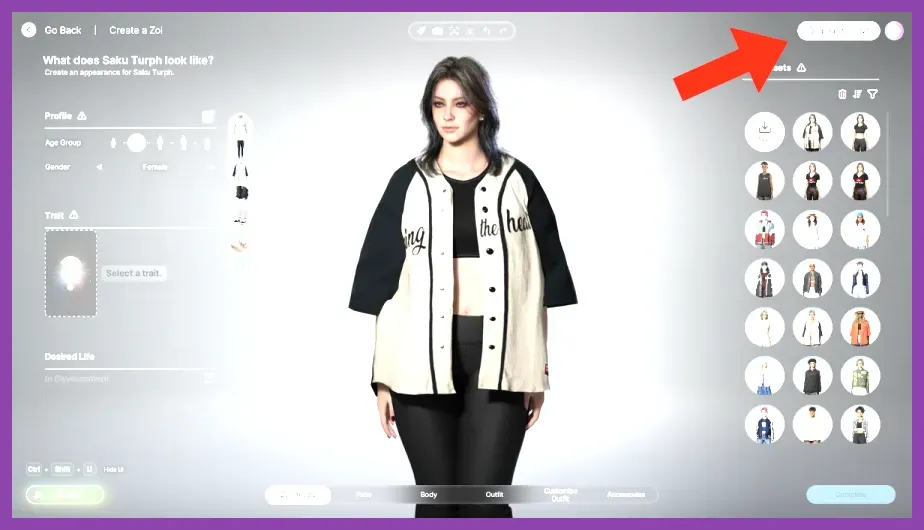
To make a character that behaves like an unlocked secret Zoi, start from the character-creation flow rather than searching the city for a hidden trigger.
- Open inZOI and enter the household or world setup screen.
- Select the option to create a new Zoi. Depending on the build, this may appear as Create a Zoi or a similarly named household button.
- Choose the Zoi’s body frame, skin details, face shape, eyes, nose, mouth, hair, makeup, clothing, and accessories.
- Set the character’s name and personal information, then confirm the Zoi.
- Place the finished character in your household and save before leaving the setup screen.
Create a Zoi is not merely a cosmetic editor. A Zoi placed in your household becomes part of the playable simulation, where you can direct daily activities, relationships, work, needs, and movement. If you are recreating a rumored hidden character from a video or social post, compare the outfit, facial sliders, hairstyle, and accessories instead of looking for a secret password. Most viral “exclusive” Zois are detailed presets or player recreations.
Save each recreation with a clear name such as “Cyberpunk Detective” or “KRAFTON Mascot” so it is easy to identify in your local character library. Keep a backup of your save data before testing downloaded content, particularly while the game remains in Early Access.
How to Find Secret-Looking Characters on Canvas
Canvas is the closest thing in inZOI to a secret-character collection. It is the game’s community-sharing space for player-made content, including Zois and other creations. A highly realistic celebrity, anime-inspired figure, or unusually designed NPC may look like official hidden content, but it is generally a user upload.
- Open the Canvas or community-content section from the main menu.
- Switch to the character or Zoi category rather than searching general builds.
- Use the search field with the creator name, character name, or a distinctive keyword.
- Open the result and check its preview, creator, rating, and update date.
- Select the download or save option, then confirm that the Zoi appears in your local library.
- Return to household creation and import the saved character.
Search terms such as “NPC,” “villain,” “celebrity,” “fantasy,” and “mascot” are more useful than “secret character,” because creators rarely use the latter consistently. Check the creator’s description for required clothing, custom assets, or a specific game version. If a result disappears, fails to download, or loads with missing details, it may have been removed or made with content that is no longer available.
Do not treat Canvas downloads as permanent official additions. They are community content, and an update can change compatibility. This is also why two players may report different “secret character” lists even when they own the same game version.
How to Add a City NPC to Your Household
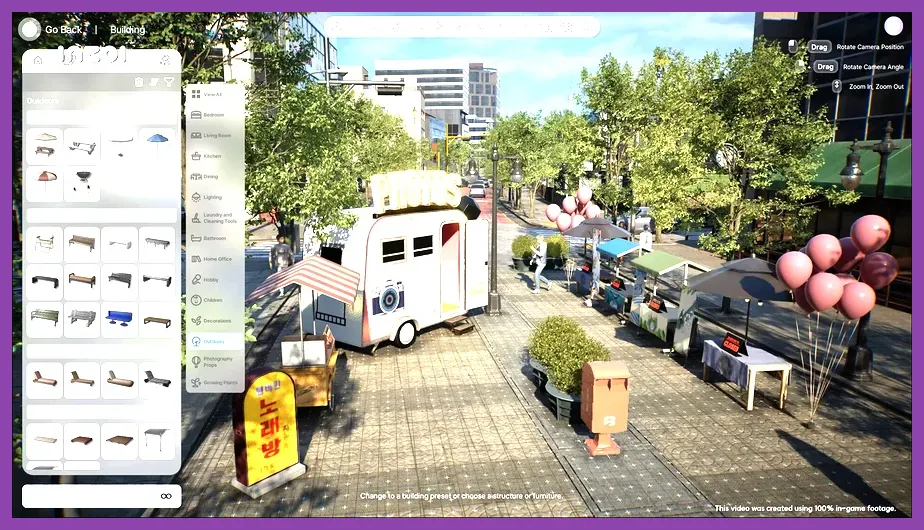
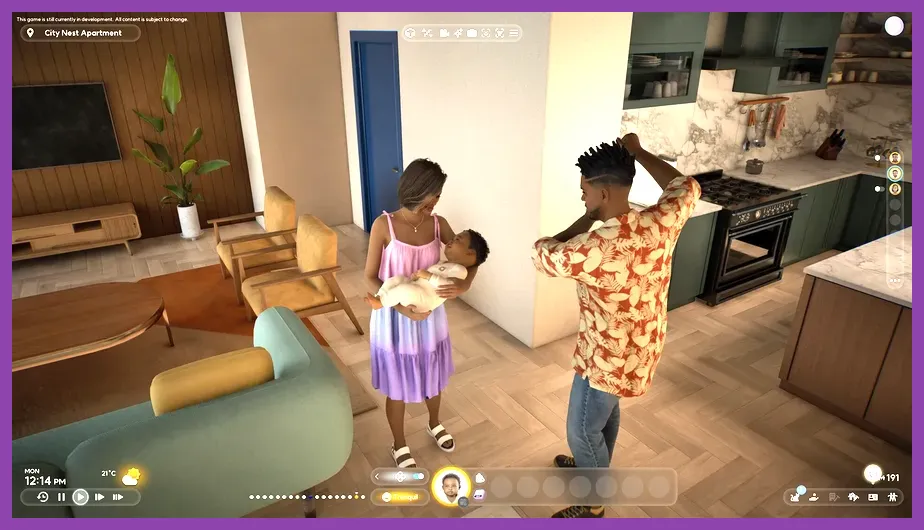
If the character you want already exists in the world, meet that Zoi in the city instead of trying to unlock it through a menu. Travel to populated areas, approach unusual-looking residents, and use the available social interactions. Building a relationship can reveal more interaction options, but it does not create a collectible character unlock.
Use relationships, not hidden codes
Begin with a greeting, then use friendly conversation and repeated social interactions. Watch the relationship panel to see whether the connection is becoming a friendship or romance. Avoid repeatedly selecting hostile actions, because negative reactions can make later household interactions harder. When the game presents an option to invite, move in, or otherwise add the Zoi to your household, confirm it and save immediately.
NPC availability can depend on the city, time, location, occupation, and the current simulation state. A resident who is not present at one venue may appear elsewhere later. NPCs can also be affected by your save file and by updates, so an online claim that names one exact street should not be treated as a universal unlock location.
Some city residents may be recognizable because of their clothing or role, but recognition is not proof that they are secret content. inZOI’s simulation can generate many distinct appearances, which makes ordinary residents look like designed boss characters.
What “Unlock” Methods Are Fake?
Ignore claims that tell you to enter a button sequence, delete a configuration file, reach level 100, or complete every career to unlock a hidden roster. There is no reliable official evidence for those methods. Likewise, modifying save files or installing an unverified mod can corrupt a household, break Canvas content, or cause problems after a patch.
Use the official Steam community discussions to check whether a claimed character is real, and compare patch information with inZOI’s official news updates. A genuine new character feature should appear in a developer announcement, patch note, or in-game menu—not only in a short-form video showing an unexplained save file.
For a safe collection, use three folders or naming groups: characters you created, Canvas downloads, and NPCs encountered in the world. Record the Zoi’s name, source, and game version. This makes it obvious whether a character is official, community-made, or simply part of your current simulation.
What Could Change After Early Access?
KRAFTON may add story residents, special NPCs, celebrity collaborations, event characters, or genuine unlock conditions before the full release. If that happens, the procedure will likely be documented in patch notes and visible through a new menu, quest, event, or household option. Until then, the accurate answer remains simple: inZOI has no confirmed secret-character roster to unlock.
The fastest way to get every “secret” character available today is to create the designs you want, search Canvas for community recreations, and recruit interesting city NPCs when household interactions allow it. Keep the game updated, verify information through the official Steam news feed, and treat any character not found in the game or official documentation as a player-made creation rather than a hidden reward.