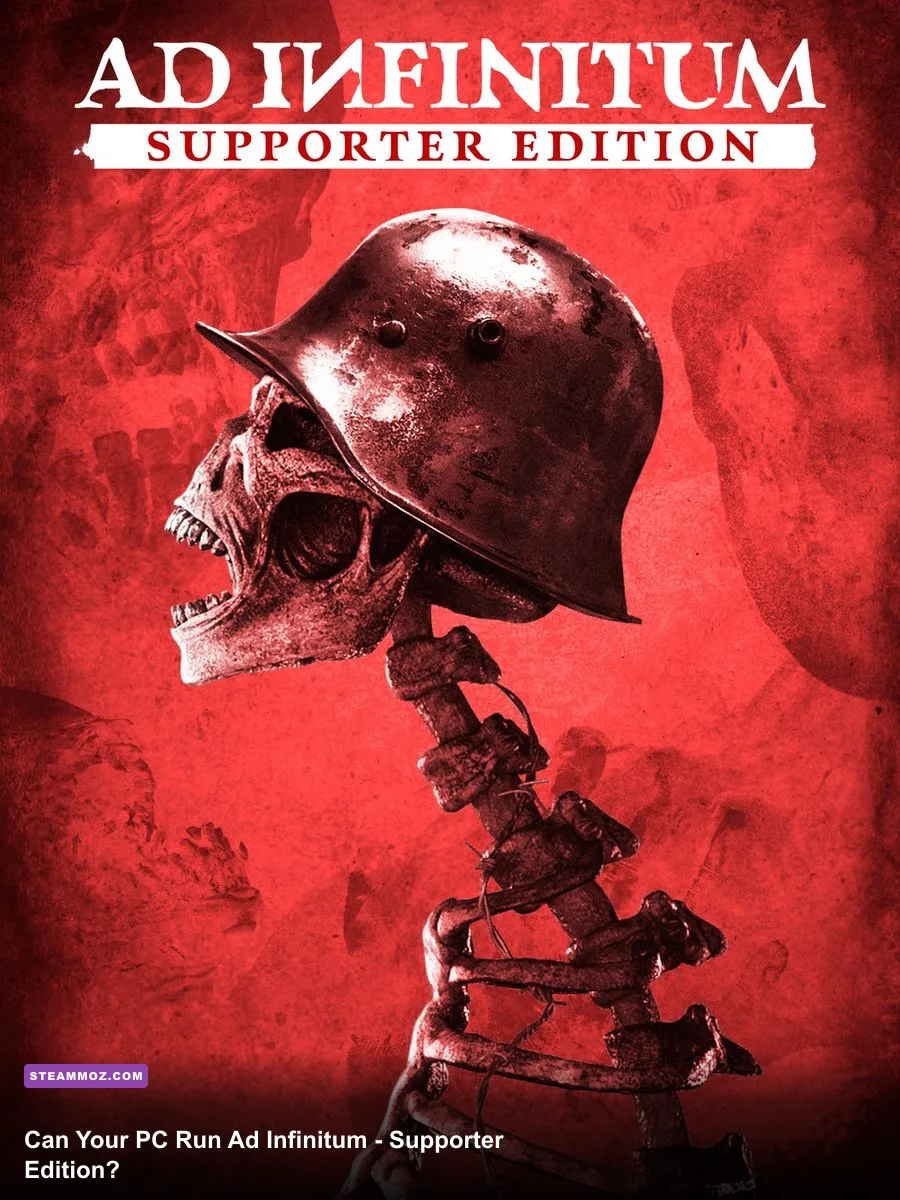
Ad Infinitum - Supporter Edition runs best on a mid-range gaming PC with a GTX 1060-class graphics card, but you'll want an RTX 2070-class GPU and 16GB of RAM for the recommended experience. The official PC requirements list an Intel Core i5-8400 or AMD Ryzen 5 2600 as the minimum CPU, while the recommended tier moves to an Intel Core i7-9700 or AMD Ryzen 7 3700X. Both configurations require 64-bit Windows 10, DirectX 12, and roughly 40GB of storage.
The Supporter Edition doesn't introduce a separate high-resolution texture pack or a heavier graphics mode. Treat its requirements as the same baseline used by the regular PC release. That matters because Ad Infinitum is a moody first-person psychological horror game built around dense shadows, volumetric lighting, reflective surfaces, and large bunker interiors. Raw GPU power helps, but a fast SSD and sensible shadow settings can make an equally noticeable difference.
Before buying, compare your rig against the official Steam system requirements. If your computer sits between the minimum and recommended tiers, the game should still be playable, but you'll likely need to lower shadows, volumetric effects, and screen-space reflections rather than simply dropping the resolution.
Ad Infinitum Supporter Edition PC requirements
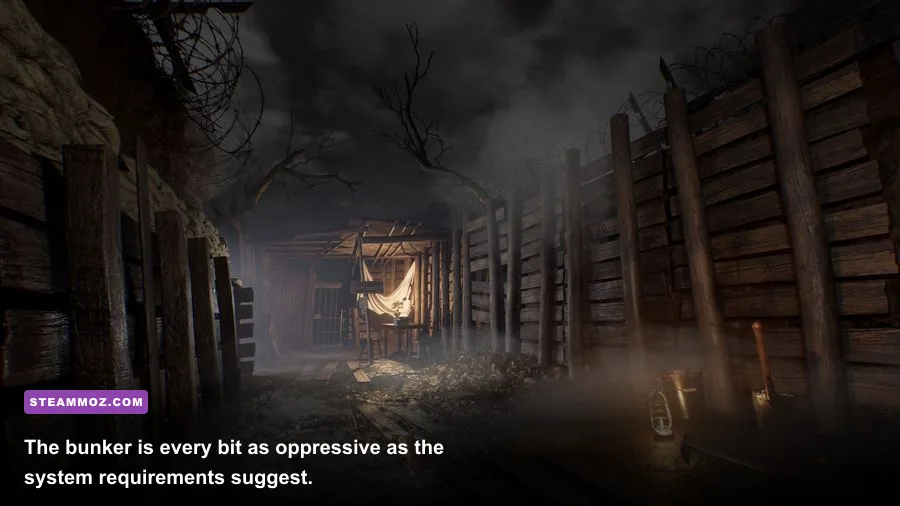
The minimum specification is aimed at 1080p play with trimmed visual settings, not a guaranteed locked 60 frames per second. The GeForce GTX 1060 6GB and Radeon RX 580 are still capable 1080p cards, but they are now entry-level options for modern Unreal Engine games. Their 6GB and 8GB of video memory, respectively, are enough for Ad Infinitum's standard texture settings, provided you don't force ultra-quality assets through the driver panel.
The minimum processor options are more comfortable than the GPU target. An i5-8400 has six cores, while the Ryzen 5 2600 offers six cores and twelve threads. Either chip clears the game's basic CPU requirement, though background applications, recording software, and browser tabs can create stutter in long corridor sections. The recommended i7-9700 and Ryzen 7 3700X give the game more headroom for streaming worlds, audio processing, and enemy behavior.
| Component | Minimum | Recommended |
|---|---|---|
| Operating system | 64-bit Windows 10 | 64-bit Windows 10 |
| Processor | Intel Core i5-8400 or AMD Ryzen 5 2600 | Intel Core i7-9700 or AMD Ryzen 7 3700X |
| Memory | 8GB RAM | 16GB RAM |
| Graphics card | NVIDIA GeForce GTX 1060 or AMD Radeon RX 580 | NVIDIA GeForce RTX 2070 or AMD Radeon RX 5700 XT |
| Graphics API | DirectX 12 | DirectX 12 |
| Storage | 40GB available space | 40GB available space |
Steam listings sometimes omit useful details such as whether the GTX 1060 target refers to the 3GB or 6GB model. For this game, the 6GB version is the safer interpretation. A 3GB card may launch the game, but texture streaming and sudden traversal stutters become more likely. The RX 580's 8GB framebuffer gives it a little more breathing room at 1080p.

🎮 Ad Infinitum - Supporter Edition
Looking to experience this game? Grab your digital key directly on our store for $3.99.
View on Steammoz Store →What the minimum specification really means
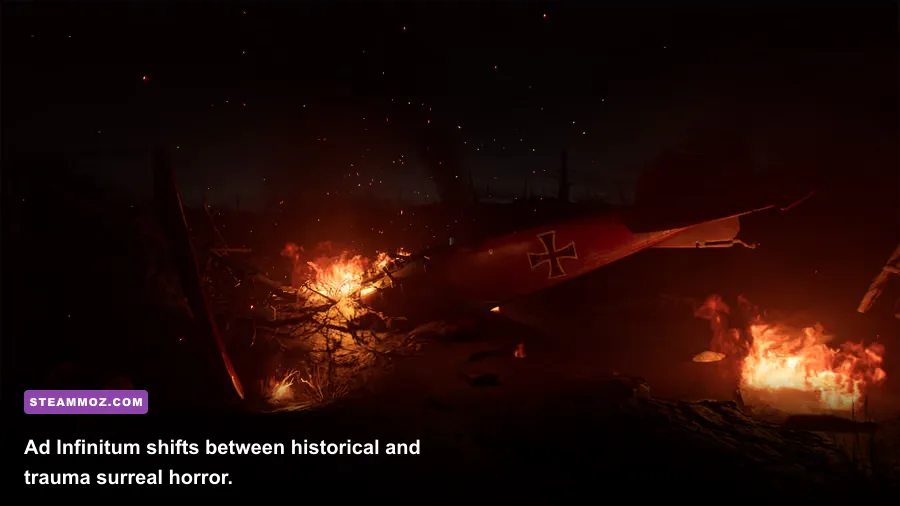
“Minimum” doesn't mean ugly or unplayable here. It means you'll need to make a few deliberate compromises. Ad Infinitum's visual identity comes from darkness, contrast, and carefully staged lighting, so lowering every setting blindly can actually make the game look worse without solving the main performance bottlenecks.
On a GTX 1060 or RX 580, start at 1920x1080 with the High preset, then reduce shadows to Medium and volumetric effects to Medium. Keep textures on High if your GPU has 6GB or more of VRAM. Texture quality mostly affects memory capacity, while shadows and volumetrics tend to hit the rendering budget every frame. If frame pacing is still uneven, lower effects before textures.
A sensible expectation for a healthy minimum-tier system is around 30 to 60 frames per second depending on the area, resolution scaling, and driver condition. The game contains quiet rooms that run easily and more complicated spaces with fog, multiple light sources, and detailed geometry. Don't judge performance from the opening hallway alone; revisit your settings after reaching larger bunker environments.
Eight gigabytes of system memory is technically enough, but 16GB is the more comfortable target for modern Windows gaming. With only 8GB, close Chrome, Discord overlays, launchers, and RGB control suites before starting. Windows may otherwise push assets into the page file, turning a small traversal hitch into a noticeable pause.
| Hardware situation | Starting resolution | Recommended profile | Likely compromise |
|---|---|---|---|
| GTX 1060 6GB / RX 580 | 1080p | High textures, Medium shadows, Medium volumetrics | Variable frame rate in heavy scenes |
| GTX 1660 / RX 5600 XT | 1080p | High preset, Medium-to-High shadows | Reduce reflections first |
| RTX 2060 / RX 6600 | 1080p or 1440p | High settings with targeted shadow reduction | 1440p may need resolution scaling |
| Older quad-core CPU | 1080p | Cap frames and limit background tasks | More inconsistent frame pacing |
If your PC is below the listed CPU or GPU target, cloud streaming is a better bet than forcing the game through unsupported hardware. For comparison, our Deadfall Adventures PC specs guide covers a similar question for another atmospheric first-person adventure, while the City of Gangsters performance guide explains why background processes can cause more trouble than expected.
Recommended specs for 1080p and 1440p
The recommended i7-9700 or Ryzen 7 3700X pairing with an RTX 2070 or RX 5700 XT is aimed at a much more consistent High or Very High experience. These GPUs are substantially faster than the GTX 1060 and RX 580, and their extra bandwidth helps when the game fills the screen with fog, dynamic lighting, and long sightlines.
For 1080p, the recommended tier should give you enough headroom to target 60fps with High settings. A 1440p monitor is also viable, but don't assume the recommended GPU guarantees 1440p ultra performance in every room. The RTX 2070 and RX 5700 XT are strong 1440p cards, yet atmospheric effects can still create dips. A 90-percent resolution scale often looks cleaner than a full preset downgrade.
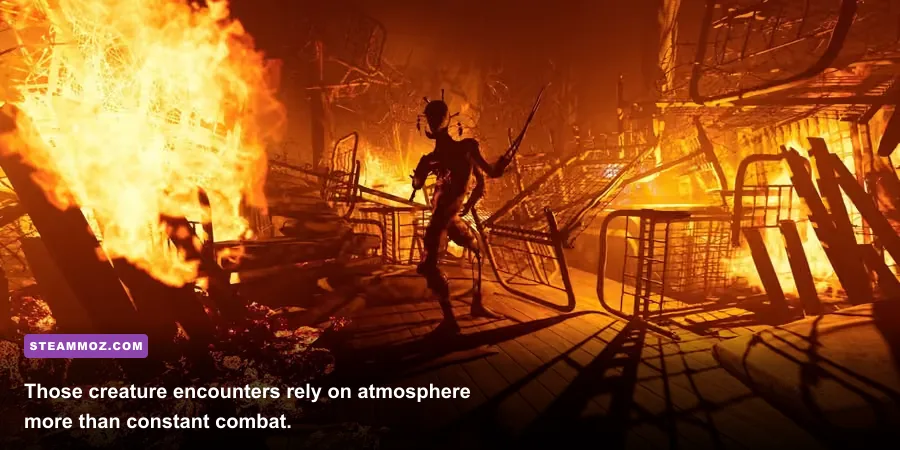
The CPU recommendation is less about constant high utilization and more about frame-time stability. Ad Infinitum is not a combat-heavy action game with dozens of enemies on screen. Its processor load comes from streaming connected spaces, managing scripted events, handling audio cues, and keeping AI encounters synchronized with the environment. A strong eight-core-class desktop processor prevents those systems from competing with the renderer.
Install the game on an SSD whenever possible. The official requirement only specifies 40GB of free space, not the drive type, but a solid-state drive can reduce asset-streaming pauses and speed up reloads. Keep at least 10 to 15 percent of the drive free as well; a nearly full SSD can lose performance during updates and temporary file operations.
| Target | GPU class | CPU class | Practical settings |
|---|---|---|---|
| 1080p / 60fps | RTX 2060 to RTX 2070 | i7-9700 or Ryzen 7 3700X | High preset, High textures, tuned shadows |
| 1440p / near 60fps | RTX 2070 or RX 5700 XT | Recommended CPU tier | High preset, 90-100% resolution scale |
| 1080p / high refresh | RTX 3060 or RX 6600 XT and above | Modern six-core or better | Medium shadows, capped frame rate |
For a broader look at balancing visual quality against frame pacing, see our Dragonkin graphics settings guide. The same principle applies here: a stable frame time feels better than a higher average number interrupted by spikes.
Best graphics settings for Ad Infinitum
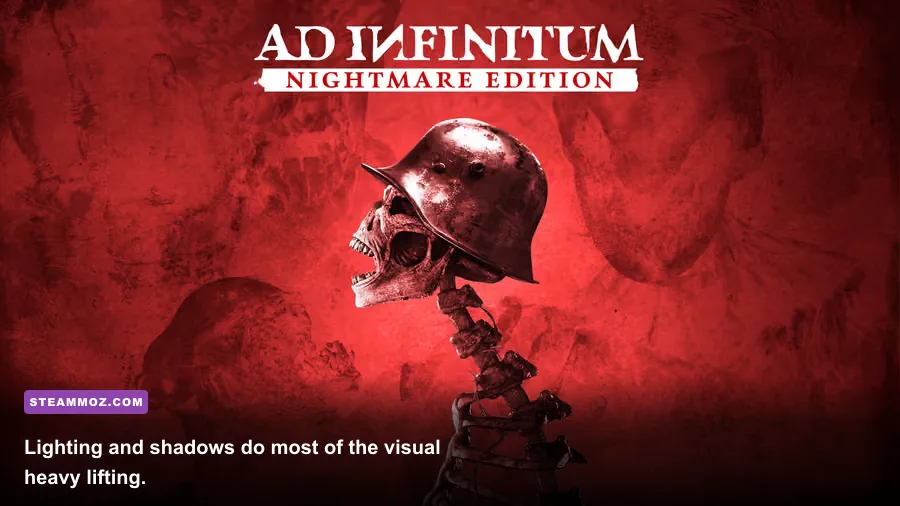
Ad Infinitum benefits from a tuned preset more than an all-or-nothing approach. The game is deliberately dark, and aggressive post-processing changes can make blacks muddy or remove the visual separation that makes threats readable. Make one change at a time, walk through the same room, and watch the frame-time graph rather than relying only on the average FPS counter.
Shadows and volumetric effects
Shadows are usually the first setting to lower. High-quality dynamic shadows look excellent around bunker doorways and machinery, but they can be expensive when multiple lights overlap. Medium shadows preserve the atmosphere while reducing the number and quality of shadow calculations. Volumetric fog and light shafts are similarly costly, especially in outdoor trench sequences. Keep them High on the recommended GPU; use Medium on minimum-tier cards.
Textures, reflections, and effects
Textures should stay High if your VRAM allows it. Lowering textures won't always improve FPS because the setting primarily changes memory usage, but it can stop hitching on cards with 4GB or less. Screen-space reflections and reflection quality are better candidates for reduction. Wet floors, metal surfaces, and puddles look richer at High, yet these effects can be expensive in scenes with several light sources.
Resolution scale and frame caps
Use native resolution first, then reduce resolution scale in small steps if the GPU remains saturated. An 85-to-90 percent scale at 1440p is often a good middle ground. Cap the frame rate at a number your system can sustain—60fps is preferable to an unstable 80fps that repeatedly drops into the 40s. Disable motion blur if you dislike the smeared look, but don't expect a major performance gain from that switch.
| Setting | Recommended value | Performance impact | Visual consequence |
|---|---|---|---|
| Textures | High with 6GB+ VRAM | Low FPS impact, moderate VRAM use | Sharper surfaces and props |
| Shadows | Medium on minimum, High on recommended | High | Changes contact shadows and lighting depth |
| Volumetrics | Medium to High | High in foggy areas | Controls haze, shafts, and atmospheric depth |
| Reflections | Medium | Medium | Less detail on wet and metallic surfaces |
| Anti-aliasing | High or game default | Low to Medium | Smoother edges with slight softness |
| Motion blur | Preference | Very low | Changes camera movement clarity |
| Resolution scale | 90-100 percent | Very high | Direct image-quality trade-off |
Supporter Edition features and installation advice
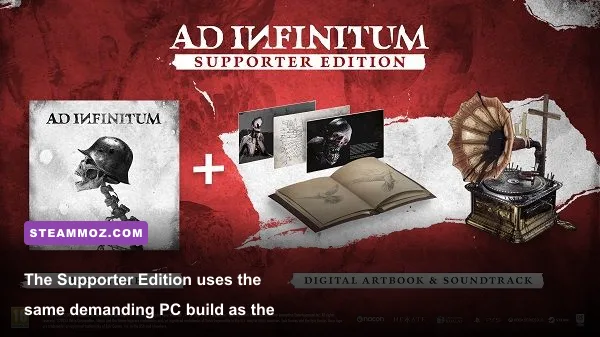
The Supporter Edition is primarily a package distinction, not a separate PC performance tier. It doesn't change the processor, memory, GPU, DirectX 12, or 40GB storage requirements listed for Ad Infinitum. If you're choosing between editions, focus on the included supporter bonuses and price rather than expecting higher-resolution textures, ray tracing, or a different graphics pipeline.
Before launching, update your NVIDIA or AMD driver, allow the first shader compilation process to finish, and restart the game after changing major display settings. If the game stutters immediately after installation, don't assume your GPU is too weak. Shader cache creation, Windows background updates, and overlay hooks can all make the first session rougher than later runs.
Use exclusive fullscreen if borderless mode produces inconsistent frame pacing, and test both if alt-tabbing is important to you. Disable unnecessary Steam, Xbox Game Bar, GeForce Experience, and Discord overlays when troubleshooting. Laptop players should connect the charger, select the high-performance power profile, and confirm that Ad Infinitum is using the dedicated GPU rather than integrated graphics.
Also check free space beyond the listed 40GB. A patch may need temporary room during installation, and a drive with only a few gigabytes left can cause update failures. If crashes appear after changing settings, verify the files through Steam, reset the configuration files, and return to the default display mode before rebuilding your custom profile.
For context, our Decay: The Mare progression guide looks at another compact psychological horror title, while our Children of Silentown guide covers a very different kind of atmospheric adventure. Ad Infinitum sits closer to the former in tone, but its 3D lighting makes PC configuration much more important.
The best short version is simple: a GTX 1060 6GB or RX 580 with 8GB RAM can meet the minimum, but an RTX 2070 or RX 5700 XT paired with 16GB RAM is the sensible target. Aim for High textures, tune shadows and volumetrics first, install on an SSD, and cap the frame rate to keep the bunker’s tension intact. If your PC matches the recommended specification, the Supporter Edition should deliver the dark, detailed presentation that makes Ad Infinitum work without forcing you into constant settings tinkering.
For developer information and patch details, visit the official NACON Ad Infinitum page and the developer's official game page.