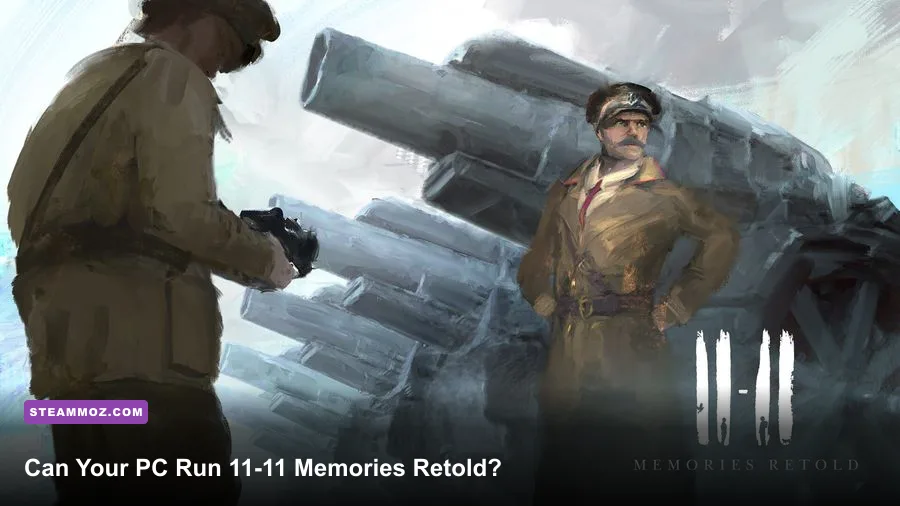
11-11 Memories Retold runs on surprisingly modest hardware: the minimum PC needs an Intel Core i3-3220 or AMD FX-8350, 4 GB of RAM, and a GeForce GTX 650 Ti or Radeon HD 7870 with 2 GB of VRAM. For a smoother 1080p experience, aim for the recommended Intel Core i5-4690 or AMD Ryzen 5 1500X, 8 GB of RAM, and a GTX 970 or Radeon R9 290X with 4 GB of VRAM.
That sounds easy by modern standards, but the numbers don't tell the whole story. 11-11 Memories Retold uses a striking painterly visual style, cinematic camera work, volumetric-looking lighting, and densely staged World War I environments. It isn't a competitive shooter that needs 144 frames per second, yet a weak laptop GPU can still stumble when the game fills the screen with smoke, fire, foliage, or large outdoor scenes.
Below, you'll find the official-style minimum and recommended specifications, what those parts mean in real-world PC terms, and practical settings profiles for targeting 30 or 60 fps. You can also check the game's official Steam listing before buying, since driver support and operating-system compatibility can change over time.
11-11 Memories Retold minimum and recommended specs
The minimum specification is designed to get the game running, not guarantee a locked 60 fps. The GTX 650 Ti and Radeon HD 7870 are both older dedicated cards with 2 GB of VRAM, and that memory limit matters when texture quality and post-processing are pushed too high. You'll have a much better time treating minimum hardware as a 720p or modest 900p target.
The recommended tier is more comfortable. A GTX 970 or Radeon R9 290X has enough rasterization power and VRAM for 1080p, while the i5-4690 and Ryzen 5 1500X provide more breathing room during scripted sequences and busy scenes. The game is primarily GPU-limited on older systems, but a very old dual-core processor can still cause hitching when background tasks compete for CPU time.
| Component | Minimum | Recommended | What it means in practice |
|---|---|---|---|
| Operating system | Windows 7/8/10 64-bit | Windows 10 64-bit | Use a current supported Windows build where possible. |
| Processor | Intel Core i3-3220 or AMD FX-8350 | Intel Core i5-4690 or AMD Ryzen 5 1500X | The recommended CPUs are safer for steadier frame pacing. |
| Memory | 4 GB RAM | 8 GB RAM | 8 GB leaves room for Windows, Steam, and background applications. |
| Graphics card | GTX 650 Ti 2 GB or Radeon HD 7870 2 GB | GTX 970 4 GB or Radeon R9 290X 4 GB | VRAM capacity becomes important at 1080p. |
| DirectX | Version 11 | Version 11 | A DirectX 11-capable GPU is required. |
| Storage | 11 GB available | 11 GB available | An SSD can improve loading and reduce streaming pauses. |
These requirements are also listed through the game's publisher page. Keep at least a few extra gigabytes free beyond the stated 11 GB. Updates, shader caches, and Windows' temporary files are less likely to cause installation headaches when your drive isn't completely full.

🎮 11-11 Memories Retold
Looking to experience this game? Grab your digital key directly on our store for $4.49.
View on Steammoz Store →How demanding is the painterly art style?

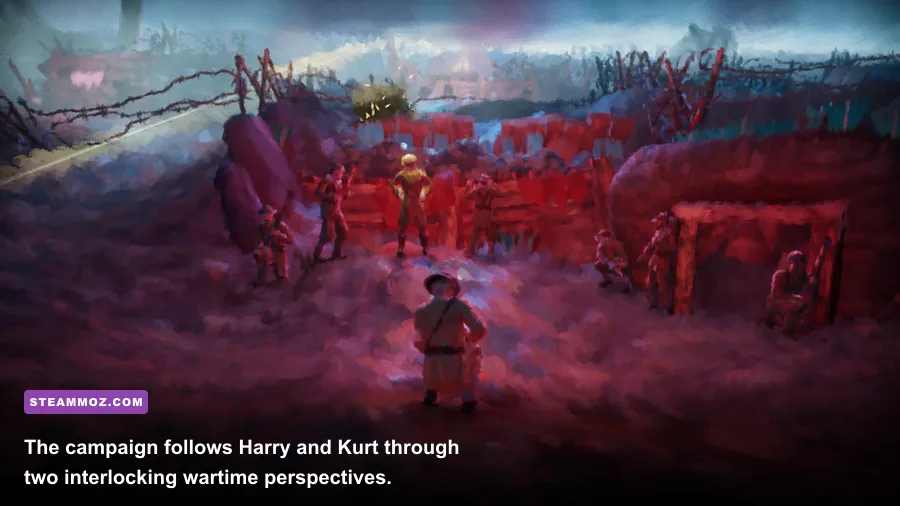
The visual style can fool you. At a glance, the brush-stroke presentation looks less technically intense than a photorealistic military game, but the effect is built from layered materials, lighting, animation, and post-processing. The painterly filter isn't simply a low-resolution texture pasted over the screen. It works alongside character models, fog, color grading, particles, and environmental effects.
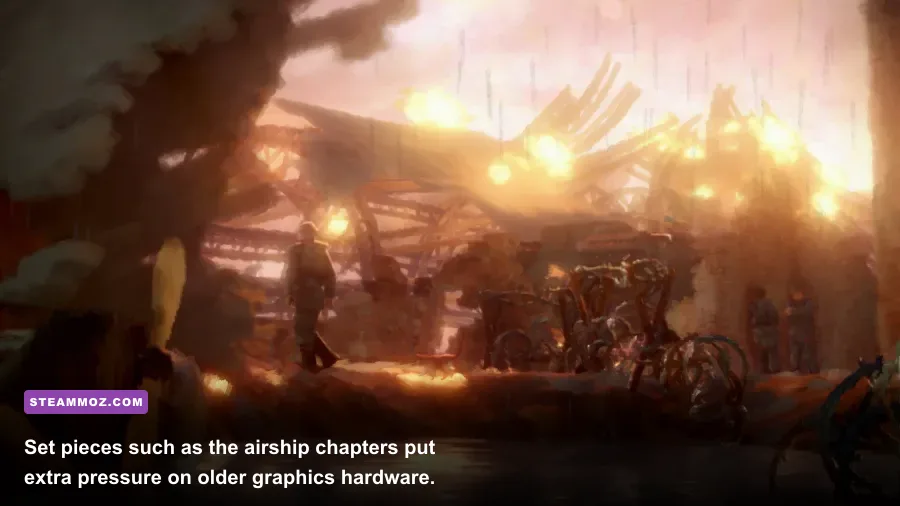
That matters most in outdoor chapters and heavily scripted moments. Harry's sections can move through trenches, villages, and battlefields where smoke and fire sit on top of wide views. Kurt's story uses machinery, interiors, and dramatic set pieces that can create different performance spikes. The game's two-character structure means you aren't tuning for one repeated map type; each chapter can stress your PC in a slightly different way.
Don't confuse this with a game that needs flagship hardware. The recommended GTX 970 is old now, and modern entry-level cards such as a GTX 1650, RX 570, Arc A380, or newer integrated Radeon graphics can be viable depending on resolution and memory configuration. Laptop GPUs are the tricky part: a mobile GTX 1650 isn't identical to a desktop GTX 1650, and integrated graphics share system RAM rather than using dedicated VRAM.
If your machine only has Intel UHD graphics, check the exact generation before purchasing. Some newer Radeon integrated GPUs may handle a reduced 720p profile, while older Intel chips can fall below a comfortable frame rate even if the game technically launches. The developer's official game page is useful for confirming the title and its platform details, but it won't replace testing your exact laptop hardware.
Best graphics settings for minimum-spec PCs
On a minimum-spec machine, start with 1280x720 resolution and a 30 fps cap. That target suits the game's cinematic pace and is usually more valuable than chasing an unstable 45 or 50 fps. A locked frame rate also makes camera movement feel more consistent during exploration and dialogue transitions.
Lower resolution first if the GPU is struggling. Reducing texture quality can help a 2 GB card avoid memory pressure, but it often produces a bigger visual hit than lowering shadows or post-processing. If you see sudden stutters rather than consistently low fps, close browser tabs and overlays, verify the game files, and install the game on an SSD if one is available.
| Setting or profile | Minimum-PC value | FPS impact | Visual trade-off |
|---|---|---|---|
| Resolution | 1280x720 | Very high benefit | Sharper performance, softer image on a 1080p display. |
| Texture quality | Low or Medium | Medium benefit on 2 GB cards | Less detail on surfaces and characters. |
| Shadows | Low | High benefit | Flatter lighting and softer environmental shadows. |
| Effects and particles | Low or Medium | High benefit in combat scenes | Less smoke, fire, and atmospheric density. |
| Post-processing | Low | Medium benefit | Reduced cinematic polish and color treatment. |
| Anti-aliasing | Low or default low option | Low to medium benefit | More shimmering around foliage and geometry. |
| Frame-rate target | 30 fps cap | Improves consistency | Less fluid than 60 fps, but steadier on older PCs. |
Use the game's own visual presentation to your advantage. Its painted look hides some texture reduction better than a realistic shooter would. Shadows and effects are the settings to cut first because they can become expensive during explosions, burning wreckage, and smoky battlefield scenes. Keep textures at Medium if your card has enough VRAM and performance is stable; the extra surface detail helps preserve the art direction.
For more PC-tuning ideas, Steamoz's Dragonkin settings guide covers the same practical principle: change the settings that cost frames without flattening the entire image.
Best 1080p settings for recommended hardware
With a GTX 970, R9 290X, or a modern card at that performance level, begin at 1920x1080 with Medium-to-High quality and a 60 fps cap. The recommended specification should make 1080p comfortable, but a perfectly locked 60 isn't guaranteed in every cinematic-heavy scene. If frame pacing matters more than peak numbers, a stable 45 or 30 fps cap can feel better than constant swings between 40 and 60.
Keep texture quality high when you have 4 GB or more of VRAM. Drop shadows one step before touching resolution, then reduce effects if smoke-heavy sequences cause dips. The game is story-driven, so you don't need to sacrifice every cinematic effect for competitive responsiveness. A crisp 1080p image with medium shadows usually offers the best balance.
| Target | Resolution | Suggested profile | Expected use |
|---|---|---|---|
| 30 fps cinematic | 1080p | High textures, Medium shadows, High effects | Best image quality with a consistent presentation. |
| 45 fps balanced | 1080p | High textures, Medium shadows, Medium effects | Useful for older recommended-tier GPUs. |
| 60 fps smooth | 1080p | Medium textures, Low-Medium shadows, Medium effects | Prioritizes frame consistency during set pieces. |
| 1440p experiment | 2560x1440 | Medium textures and lowered effects | Possible on newer mid-range GPUs, not the listed GTX 970 target. |
Don't automatically enable every driver-level feature. Forced sharpening can exaggerate the brush texture, while aggressive frame interpolation or external scaling may introduce artifacts into the game's slow cinematic camera moves. Start with native 1080p, observe a full chapter, and only then add driver tweaks.
Will your laptop or modern gaming PC run it?
A modern gaming desktop should have no trouble. Any current Core i3 or Ryzen 3 paired with a dedicated GPU newer than the GTX 970-class recommendation is comfortably above the listed target. Eight gigabytes of RAM remains workable, but 16 GB is preferable if you keep a browser, Discord, recording software, or launchers open in the background.
Laptops deserve a more careful check. Make sure the game uses the dedicated Nvidia or AMD GPU instead of integrated graphics, plug the system into wall power, and select a performance power profile. Thin laptops often reduce clock speeds when they heat up, which can turn an initially smooth opening chapter into a stuttery session later.
On Steam Deck-style hardware, the experience depends on the operating system, Proton version, shader compilation, and your chosen wattage profile. The Windows requirements aren't a guarantee of native handheld performance. A 30 fps cap, 800p output, and reduced shadows are sensible starting points, but test busy scenes rather than judging performance from a quiet interior.
Finally, leave background recording disabled if your PC is close to minimum. Capturing video, running a browser with several tabs, or using a heavy overlay can consume the same small RAM and CPU margin the game needs. For comparison, Steamoz's Drawful 2 PC specs guide shows how wildly light requirements can differ between games, while the Desperados III review is a useful reminder that slower, cinematic strategy games still benefit from stable frame pacing.
Bottom line: if your PC matches the minimum 11-11 Memories Retold system requirements, aim for 720p and 30 fps with reduced shadows and effects. If you meet the recommended specs, 1080p is the sweet spot, with Medium-to-High settings and a sensible frame-rate cap. The game doesn't demand a modern powerhouse; it simply rewards a little tuning so its painterly battlefields stay atmospheric instead of turning into a slideshow.