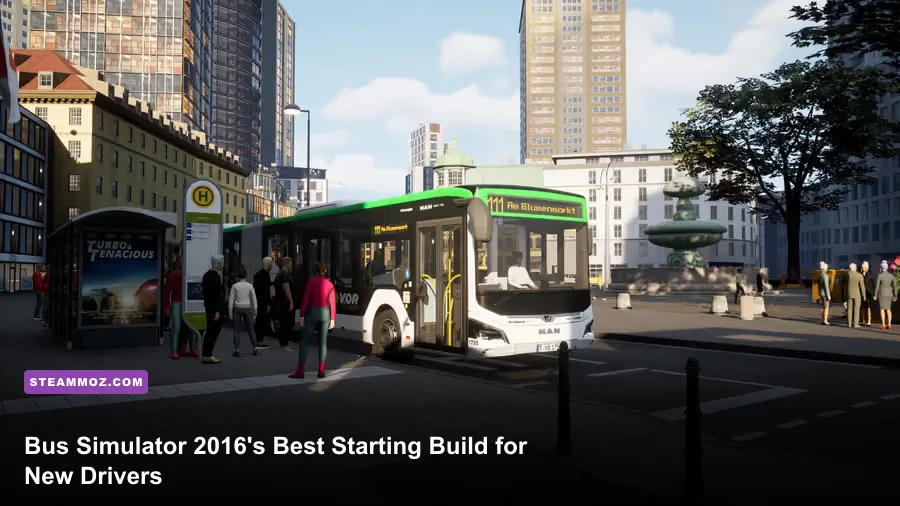
The best Bus Simulator 2016 starting build is a small, forgiving operation: begin with the MAN Lion's City A21, create one short loop with four to six stops, drive it manually, and spend early money on route reliability instead of chasing a larger fleet. That setup teaches braking, traffic rules, passenger handling, ticket sales, and timetable discipline without burying a new driver under long routes or expensive mistakes.
Bus Simulator 2016 doesn't have a traditional RPG skill tree, weapon loadout, or stat-based character build. Your real build is the combination of bus, route length, driving aids, timetable pressure, and company expansion choices. Get those five pieces right and the campaign becomes pleasantly methodical. Get them wrong and a single ambitious route can turn into traffic violations, angry passengers, missed stops, and a wallet that never catches up.
This guide focuses on the early campaign rather than free-roam sightseeing. The game was built around licensed city buses, scheduled lines, passenger satisfaction, and growing a transport company. You can check the current PC listing and feature details on the official Steam page, while astragon's game page remains useful for the original feature overview.
The Best Beginner Build at a Glance
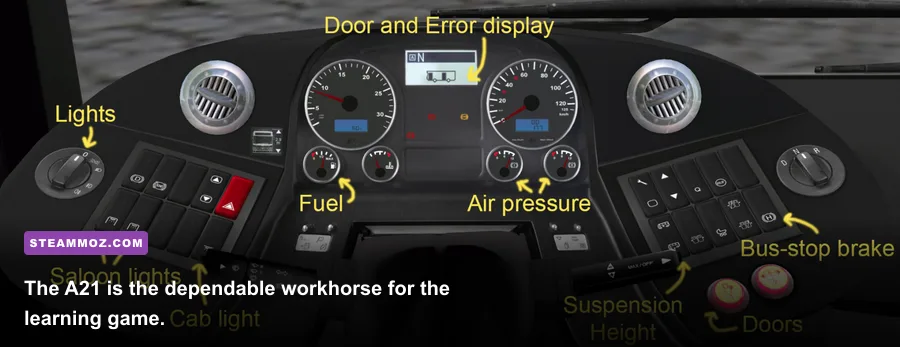
Choose the A21-style single-deck bus for your opening schedule whenever it is available in your campaign. A standard single-decker gives you the best sight lines, the least intimidating turning circle, and enough capacity for the modest passenger loads found on early routes. Articulated buses look impressive, but their extra length makes tight corners, lane changes, and stop positioning noticeably less forgiving.
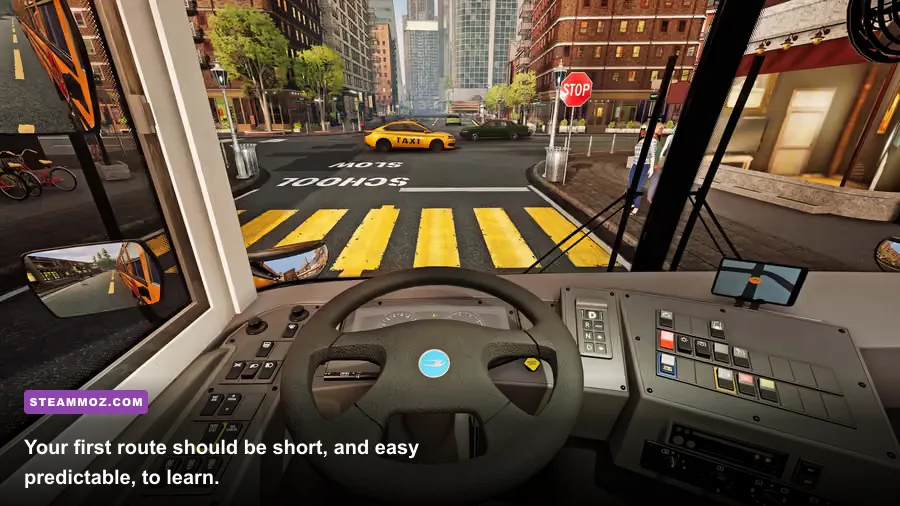
Build one compact loop near the starting district. Four to six stops is the sweet spot: it gives you enough repetition to learn the road layout while keeping one bad junction from ruining a 20-minute circuit. Put stops on roads you can approach in the same direction each time, and avoid early routes that demand several left turns across busy traffic or awkward reversing near the curb.
| Build Element | Beginner Choice | Why It Works | Upgrade Later |
|---|---|---|---|
| Bus | MAN Lion's City A21 or comparable single-decker | Predictable size and clear visibility | Articulated bus after route confidence improves |
| Route | Four to six stops in one compact loop | Short learning cycle and easy recovery | Longer cross-city route |
| Driving style | Manual steering with moderate assists | Builds control without unnecessary frustration | Reduce assists one at a time |
| Schedule | Loose early timetable | Leaves room for boarding and traffic | Tighter timetable once stops are familiar |
| Expansion | Improve one profitable line first | Creates dependable income | Add a second bus and route |
That is the core recommendation, but the details matter. A route that looks short on the map can become difficult if it crosses a major intersection, includes a bus lane merge, or forces you to stop on a slope. The best first line is not necessarily the shortest one. It is the line with the fewest surprises.

🎮 Bus Simulator 2016
Looking to experience this game? Grab your digital key directly on our store for $1.99.
View on Steammoz Store →Why the Single-Decker Should Be Your First Bus
The first thing new players notice is capacity. The second is how quickly a large bus exposes sloppy driving. A single-decker is the better teaching tool because its front and rear wheels behave in a way that is easy to read. You can focus on the curb, mirrors, traffic lights, and passengers without also calculating where a trailer section will swing through a corner.
The MAN Lion's City family is especially comfortable for learning. The A21 is a conventional 12-metre city bus, while the shorter A47 variant is even easier to place on narrow streets if your version or progression path makes it available. The Citaro models are also attractive choices, but don't select a bus just because its badge looks prestigious. In the opening hours, controllability beats theoretical passenger capacity.
Use a larger or articulated bus only after you can complete a route without clipping parked cars, running red lights, or stopping several metres away from the curb. The penalty isn't just cosmetic. Poor positioning can slow boarding, damage passenger satisfaction, and force you to correct your alignment while traffic piles up behind you.
Your first bus should also be treated as a practice instrument. Learn where the front axle sits relative to the driver's viewpoint. Approach stops slowly, straighten the bus before opening the doors, and leave enough clearance for the pavement. Don't turn toward the curb while still moving quickly; that habit is harmless in an arcade racer and disastrous in a bus simulator.
Capacity versus control
Passenger capacity becomes valuable when a route is consistently filling every run. Before that point, capacity is often wasted. An overpowered bus on an underused line increases the number of things you can damage without increasing revenue enough to justify the risk. Run the smaller bus until passenger demand, route length, and your own driving accuracy all point toward expansion.
How to Design a Profitable First Route
Route design is where the beginner build either starts making money or quietly falls apart. Open the map and look for a cluster of stops that can be connected without repeatedly crossing the same dangerous junction. A compact route is easier to memorize, and memorization is a genuine advantage: once you know the next traffic light and the sharpest turn, you can brake before the problem appears.
Start with four stops if traffic is heavy and six if the streets are open. Keep the first loop symmetrical where possible, but don't force a perfect circle. A short out-and-back route can be more profitable than a neat loop if it avoids a difficult intersection. Give yourself a little timetable breathing room. Passenger boarding, ticket purchases, traffic lights, and weather can all consume seconds that look available on paper.
Stops should be spaced far enough apart that the bus can accelerate smoothly, but not so far apart that passengers spend most of the journey waiting for the next stop. If two stops are almost adjacent, combine the learning opportunity with a practical test: drive the section without harsh acceleration and see whether the schedule still holds. If you arrive early, wait safely rather than racing into the stop.
| Route Profile | Stops | Difficulty | Best Use |
|---|---|---|---|
| Training loop | 4 | Low | Learning controls, signals, and curb alignment |
| Starter earner | 5 to 6 | Low to medium | Building reliable income and passenger familiarity |
| Cross-city line | 7 to 10 | Medium to high | Expansion after you know traffic patterns |
| Large articulated route | 8 or more | High | Experienced drivers managing capacity and timing |
Run the same route several times before changing it. You are looking for repeatable results: clean stops, few traffic violations, no collisions, and a schedule you can meet without flooring the throttle. If the line only succeeds when every light turns green, it isn't ready for expansion.
Driving Controls, Assists, and the First Ten Minutes
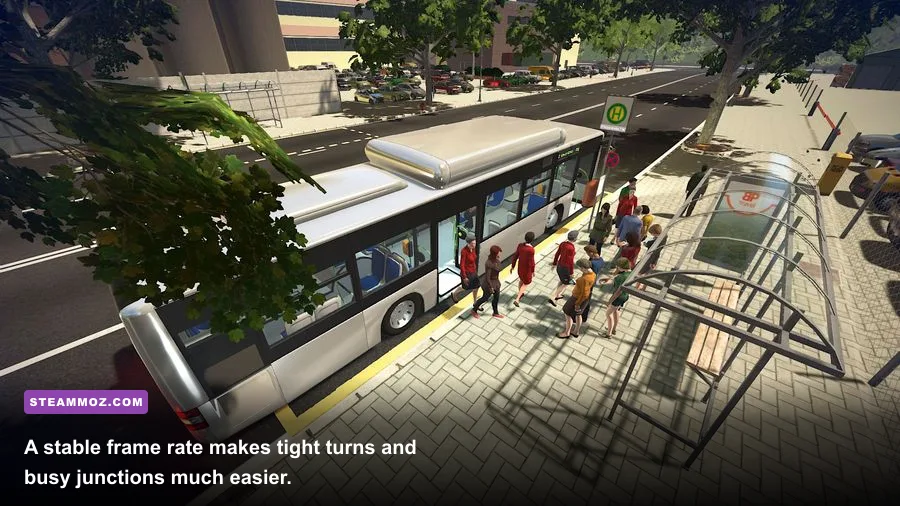
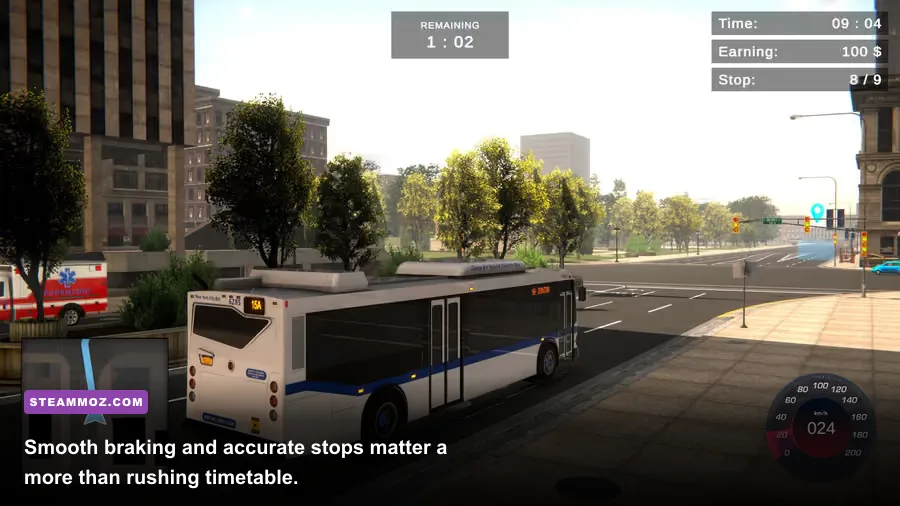
Use the first run to establish a calm driving rhythm. Accelerate progressively, brake before the stop rather than at it, and signal early enough that traffic has time to react. The bus's mass is the important part here. Sudden inputs make the vehicle feel heavier, increase the chance of hitting traffic, and can upset passengers even when you technically remain on the road.
Keep driving assists enabled while learning the city. There is no prize for disabling every aid immediately. Steering help, braking assistance, and automatic functions can remove some of the workload while you learn the route. Once you can drive cleanly, turn off one aid at a time and repeat the same circuit. Changing everything at once makes it impossible to identify which setting caused the new mistakes.
A reliable stop routine
- Signal before reducing speed so following traffic understands your intention.
- Brake in a straight line and let the bus settle before turning toward the stop.
- Approach the curb at walking pace, using the front of the bus as your alignment reference.
- Stop with the doors positioned alongside the marked boarding area.
- Open the doors, handle tickets or passenger requests, then check mirrors before pulling away.
Don't stare at the timetable while approaching a junction. Missing a few seconds is cheaper than a collision or red-light penalty. The same principle applies to tickets. Passenger service is important, but it should never make you drive through a signal or leave a stop with the doors improperly handled.
Use cockpit view for serious route learning and an external camera when checking clearance in a tight turn. Cockpit view gives the most useful perspective for signals, mirrors, and lane discipline. The external camera is excellent for understanding the rear swing of a longer bus, but relying on it exclusively can make your actual stopping position less accurate.
The Early-Campaign Money Plan
Your first financial goal isn't a huge fleet. It's a route that pays consistently after ordinary operating mistakes. Complete the short line until you understand its traffic and passenger flow, then spend on the next useful expansion rather than cosmetic indulgence. A second dependable bus can produce more value than a larger vehicle sitting on an unreliable route.
Track three things after every run: whether you were late, whether passenger satisfaction suffered, and whether a collision or traffic violation caused the problem. These are different issues. If you're late but clean, the route needs more timetable margin or fewer stops. If you're punctual but passengers are unhappy, inspect your braking, stop placement, and ticket handling. If both are fine but money is weak, demand may not justify a bigger vehicle yet.
| Problem | Likely Cause | First Fix | Do Not Do Yet |
|---|---|---|---|
| Constant lateness | Too many stops or difficult junctions | Shorten the loop or add timetable margin | Drive faster through traffic |
| Low passenger satisfaction | Harsh braking or poor curb alignment | Slow down earlier and straighten at stops | Buy a larger bus immediately |
| Weak income | Low demand or inefficient route | Test a denser stop cluster | Take on several long routes |
| Frequent collisions | Bus too large for your current skill | Return to a single-decker and repeat | Disable driving assists |
| Traffic violations | Rushing lights and merges | Brake earlier and read signs | Chase the timetable at all costs |
Save before experimenting with a new route if your version supports manual saving at that point in the campaign. More importantly, don't interpret one bad run as proof that the whole build failed. Bus Simulator 2016 rewards repetition. A route that feels awkward on the first attempt often becomes the safest income source once its turns and signals are familiar.
If you enjoy this kind of deliberate progression, Steamoz's Delta Zeal starting build guide covers the same basic lesson in a very different genre: build around consistency before chasing maximum output. The approach also pairs nicely with our Dins Curse beginner tips, especially the advice about protecting early resources instead of gambling them on ambitious upgrades.
Graphics Settings for a Smoother First Shift
Bus Simulator 2016 is more enjoyable when the frame rate stays consistent. You need to read traffic lights, judge curb distance, and react to pedestrians without camera hitching. The game is older and its system requirements are modest, but busy city scenes can still produce uneven performance on modern hardware if every visual option is pushed without testing.
| Setting Area | Recommended Starting Value | Performance Impact | Visual Trade-Off |
|---|---|---|---|
| Resolution | Native monitor resolution | High at very high resolutions | Keep native if frame rate is stable |
| Shadow quality | Medium | Medium to high | Lower settings reduce street depth and contact shadows |
| Anti-aliasing | Medium or the second-highest option | Medium | Lower values make bus edges shimmer |
| Texture quality | High if VRAM allows | Low to medium | Mostly affects bus and building surface detail |
| Reflections | Low to medium | Medium | Road and window reflections become simpler |
| Post-processing | Medium | Low to medium | Reducing it can make the image less soft |
| Traffic and view distance | Medium | Medium to high | Lower values reduce distant scene activity |
Start at 1080p with medium settings, then raise textures before shadows if performance allows. Textures preserve the bus and city detail you actually look at, while shadows are usually the more expensive option in a crowded scene. If the game feels smooth in an empty area but stutters at major junctions, lower shadows, reflections, and view distance first.
The Steam system requirements list a 2.4 GHz dual-core processor, 4 GB of RAM, and a DirectX 10-compatible graphics card as the minimum baseline. Treat that as a starting point, not a promise of perfect modern high-resolution performance. The recommended profile is a 3.0 GHz quad-core CPU, 8 GB of RAM, and a stronger DirectX 10-capable GPU. Close background applications, test a busy route, and cap performance at a stable level if your system produces uneven frame pacing.
When to Expand Beyond the Starter Build
Expand when your current route feels boring, not when it feels barely survivable. That usually means you can complete several runs with clean stops, few or no violations, and enough timetable margin to handle ordinary traffic. At that point, add one variable: either a longer route or a larger bus. Don't introduce both at once.
A longer route is the better first test because it exposes planning weaknesses without changing vehicle handling. If you can manage the route, then try the articulated bus on a familiar line with wide roads and generous stop approaches. Learn the rear section's swing in a low-pressure environment before sending it through the tightest district on the map.
Keep the original short route available. It is your recovery line when a new experiment loses money, and it gives you a reliable way to rebuild funds. The smartest transport companies in Bus Simulator 2016 aren't the ones with the biggest roster on paper. They're the ones that always have one route they know they can run cleanly.
For more progression-focused reading, see Steamoz's Dungeons 2 beginner build guide and Drawful 2 PC performance guide. They cover different games, but both reinforce the same useful habit: establish a dependable baseline before tuning for ambition.
Common Beginner Mistakes to Avoid
Never build your first route around the most complicated road network just because it appears to connect more destinations. More stops do not automatically mean more money. They mean more boarding delays, more braking events, and more opportunities to arrive at a bad light.
Don't tailgate traffic to protect a timetable. Leave a proper gap, anticipate red lights, and accept a small delay when the alternative is a violation or collision. Avoid steering corrections while braking into a stop, and don't pull away before checking the road and mirrors. A clean run with slightly less speed is more valuable than a fast run that damages the bus or frustrates passengers.
Finally, don't change the bus, route, camera, assists, and graphics settings after every failure. Keep a stable baseline and change one thing at a time. That turns each shift into useful information rather than a guessing game.
Final Verdict on the Best Starting Build
The strongest Bus Simulator 2016 beginner build is deliberately modest: a single-decker such as the MAN Lion's City A21, a four-to-six-stop route, moderate driving assistance, medium graphics settings, and patient reinvestment into one dependable line. It won't look spectacular in a screenshot, but it teaches every system that matters while keeping mistakes affordable.
Master the short loop, then add complexity in measured steps. Learn the route before tightening the timetable, learn the bus before increasing its size, and learn the traffic pattern before extending across the city. That's how you turn the opening campaign from a pile of penalties into a satisfying, profitable driving routine.
For official background on the game's licensed vehicles and developer catalog, visit the official astragon website. And if you want another Steamoz guide built around careful early decisions, our Dungeon Siege classic review is a good next stop.