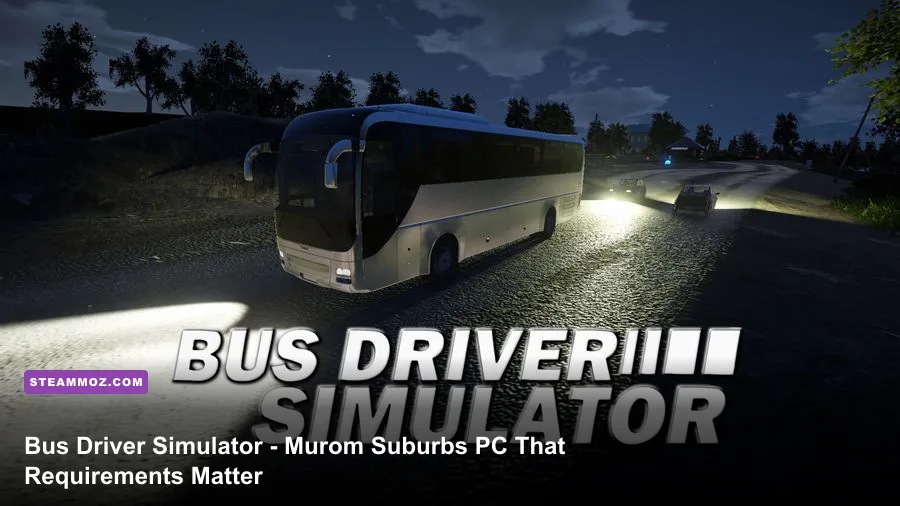
Bus Driver Simulator - Murom Suburbs is not a demanding modern blockbuster, but its open roads, visible traffic, weather effects, and long-distance scenery can expose a weak PC quickly. For the base experience and the Murom Suburbs content, plan around 4GB of RAM, a Core i3-class CPU, and a GTX 650-class GPU at minimum. For a smoother 1080p experience, the sensible target is 8GB of RAM, a Core i5-class processor, and a GTX 1060-class graphics card.
Those figures are the practical line between “the game launches” and “the game feels comfortable.” The official Steam search listing is the first place to check for the latest package information, while the KishMish Games website is useful for developer updates. Before buying, also confirm whether you’re purchasing the Murom Suburbs add-on or a bundle that includes the base Bus Driver Simulator game.
Bus Driver Simulator - Murom Suburbs system requirements
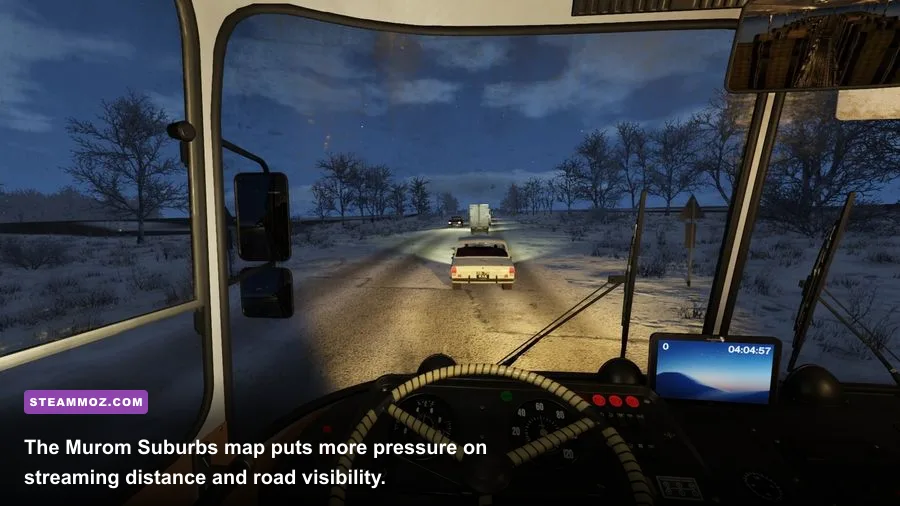
The key detail is that Murom Suburbs is an environment-focused expansion rather than a completely separate simulation engine. That means the base game’s requirements are the right starting point. You don’t need a high-end RTX card, but you do need a reasonably modern DirectX 11-capable GPU and enough memory for the game, Windows, Steam, traffic, and background applications to coexist.
| Component | Minimum | Recommended |
|---|---|---|
| Operating system | Windows 7/8/10, 64-bit | Windows 10, 64-bit |
| Processor | Intel Core i3-530, 2.93 GHz class | Intel Core i5-8400 class |
| Memory | 4GB RAM | 8GB RAM |
| Graphics | NVIDIA GeForce GTX 650, 2GB class | NVIDIA GeForce GTX 1060, 6GB class |
| DirectX | Version 11 | Version 11 |
| Storage | At least 5GB available | 5GB or more, preferably on an SSD |
These requirements should be read as a performance range, not a promise of locked frame rates. A GTX 650 can handle the game at reduced settings, but it has limited headroom for high-quality shadows, reflections, and distant scenery. Likewise, 4GB of RAM may be enough for a clean launch, yet Windows 10 or 11 can leave very little spare memory once Steam, a browser, and recording software are running.

🎮 Bus Driver Simulator - Murom Suburbs
Looking to experience this game? Grab your digital key directly on our store for $1.49.
View on Steammoz Store →What the minimum PC specs really mean
A minimum-spec PC should target 720p or 900p with Low settings. That’s the honest expectation. At 1080p, the GTX 650-class GPU may still produce playable results in quiet rural areas, but frame pacing can dip when the game has to draw traffic, roadside objects, lighting, and a long stretch of road at once.
The Core i3-530 recommendation is also showing its age. Bus simulators aren’t just rendering a bus model; they’re calculating traffic movement, passenger interactions, route logic, physics, and world streaming. An older dual-core processor can feel fine while parked at a terminal and then stutter as you approach a populated stop. Those pauses are especially irritating because they can make braking and alignment feel inconsistent.
If your system only matches the minimum, close background applications before launching. A browser with several active tabs can consume more memory than expected, and cloud-sync tools may cause small storage-related hitches. Install the game on an SSD if possible. An SSD won’t magically raise average FPS, but it can reduce loading delays and make world-streaming interruptions less noticeable.
Minimum-spec settings profile
Start at 1280×720, use Low overall quality, disable or reduce motion blur, and lower shadow quality before touching texture quality. Textures mostly affect video memory, while shadows and reflections tend to hit the GPU repeatedly across every scene. If the game offers a view-distance slider, reduce it one step rather than dropping all visual settings to their lowest values.
Recommended specs for smoother 1080p driving
The recommended Core i5-8400 and GTX 1060 pairing is a much more comfortable target. It gives the simulation enough CPU room for traffic and route logic while providing a useful GPU buffer for 1080p rendering. You still shouldn’t assume every setting can sit at maximum, especially during rain or in areas with many buildings and vehicles, but Medium-to-High settings are realistic.
The GTX 1060’s 6GB of VRAM is more useful here than its raw age suggests. It helps the game retain higher-resolution textures and roadside assets without constantly shuffling data. The 3GB model can work, but it has less breathing room at 1080p and may require lower texture or shadow settings. Modern equivalents such as a GTX 1650, GTX 1660, RX 570, or newer integrated graphics solution may also run the game, but compare actual benchmarks rather than relying on the name alone.
Eight gigabytes of system memory is the sensible floor for a comfortable session. If you regularly stream gameplay, use Discord, keep a browser open, or run a wheel utility in the background, 16GB is preferable. RAM won’t directly transform 30 FPS into 60 FPS, but it can reduce hitching when the operating system starts competing with the game.
| Target profile | Resolution | Graphics approach | Best use |
|---|---|---|---|
| Minimum | 720p | Low settings, reduced shadows and distance | Older laptops and GTX 650-class PCs |
| Balanced | 900p–1080p | Medium textures, Low/Medium shadows | GTX 750 Ti, GTX 1050, RX 560-class systems |
| Recommended | 1080p | Medium-High, selective shadow reductions | GTX 1060, GTX 1660, RX 570 or better |
| High-refresh target | 1080p | High settings with capped frame rate | Modern six-core CPU and midrange GPU |
Which settings affect FPS the most?
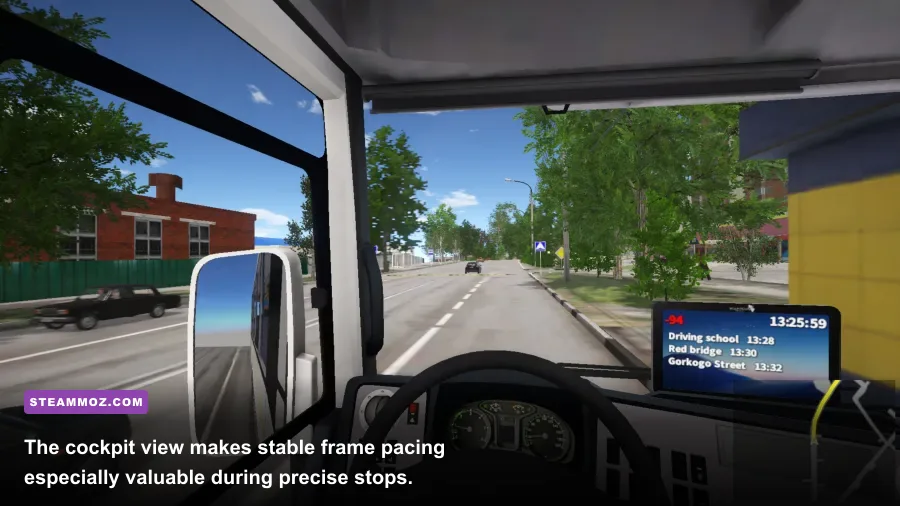
Don’t lower every option blindly. The best results come from trimming the settings that attack performance without improving the driving experience very much. Shadows are usually the first place to look, followed by reflections and view distance. Those options have a clear cost on open maps because the engine has more visible geometry and lighting to process.
| Setting | Recommended value | FPS impact | Visual trade-off |
|---|---|---|---|
| Resolution | Native 1080p, or 900p on older GPUs | Very high | Lower values soften the entire image |
| Shadow quality | Medium | High | Shadows lose detail, but roads remain readable |
| Reflections | Low or Medium | Medium to high | Wet roads and glass look less detailed |
| View distance | Medium | Medium | Far scenery and roadside detail appear later |
| Textures | High if VRAM allows | Low to medium | Lower values make vehicles and scenery blurrier |
| Anti-aliasing | Medium | Medium | More jagged edges at lower values |
| Motion blur | Off | Small | Sharper image during turns and braking |
For a GTX 1060-class system, keep textures at High, set shadows and reflections to Medium, and test view distance at High before reducing it. For a GTX 650-class system, do the opposite: preserve texture quality where memory allows, then reduce shadows, reflections, anti-aliasing, and distance. The result often looks better than an indiscriminate Very Low preset.
Murom Suburbs performance and map-specific pressure points
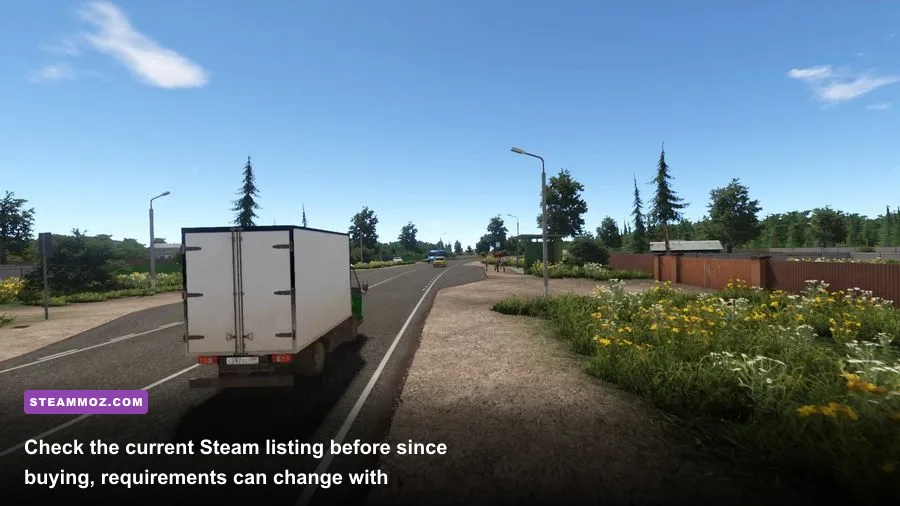
Murom Suburbs feels less demanding than a packed downtown route, but open countryside creates its own workload. The game has to maintain longer sightlines, stream roadside scenery, render distant buildings, and handle traffic over wider stretches of road. You may see higher FPS between stops and lower FPS when approaching settlements, terminals, or busy junctions.
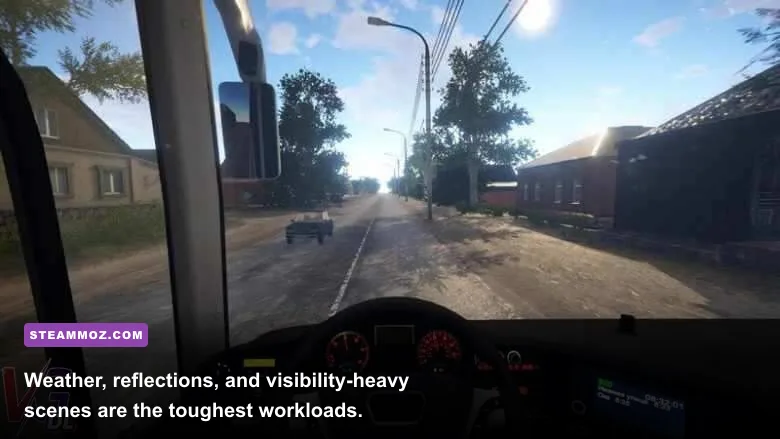
Weather can make the difference more obvious. Rain and wet surfaces add reflections and lighting work, while fog or changing visibility can make frame-time spikes feel more noticeable. If you’re chasing stable performance rather than pretty screenshots, use Medium reflections and avoid maxing out shadow quality. A steady 45 or 60 FPS feels far better for steering and stopping than a wildly fluctuating number that occasionally reaches 90.
That’s also why a frame-rate cap is worth testing. On a 60Hz display, cap at 60 if the PC can hold it, or try 30/45 if the hardware sits between performance tiers. Consistent frame pacing matters in a driving game: braking points, mirror checks, and tight platform approaches all benefit from predictable input response.
How to optimize the game before your first route
First, update your GPU driver and allow Steam to finish any shader or game-file updates. Then launch with the native display resolution and make one change at a time. If you alter five settings together, you won’t know which one solved a stutter or caused a visual problem. The official Steam Support hub also has useful steps for validating files and troubleshooting installations.
- Validate the installation. Use Steam’s file-verification option if the game crashes after an update or loads into missing scenery.
- Choose a realistic resolution. Keep 1080p on a recommended GPU; use 900p or 720p on older hardware before destroying texture quality.
- Reduce shadows first. This usually delivers one of the best performance gains with a manageable visual cost.
- Watch VRAM and RAM. Lower textures if the GPU has only 2GB of VRAM, and close browsers if the system has 4GB of memory.
- Cap the frame rate. A stable limit can eliminate distracting swings when entering towns or approaching busier stops.
- Test a complete route. Don’t judge performance only from the depot. Play through a rural stretch, a settlement, and a busy stop before finalizing settings.
If you’ve dealt with similar PC problems in other driving and simulation games, Steamoz’s guides on checking PC specifications, making every frame count, and fixing crashes and low FPS cover the same practical troubleshooting principles.
Is your PC ready for Murom Suburbs?
If your computer matches the minimum specification, Bus Driver Simulator - Murom Suburbs should be playable with conservative settings, but expect compromises at 1080p and during busy scenes. A GTX 650-class GPU, 4GB of RAM, and an older dual-core processor are launch-capable rather than comfortable.
The recommended target is far more convincing: a Core i5-8400-class CPU, 8GB of RAM, and a GTX 1060-class GPU. That combination gives you the headroom to drive at 1080p with sensible Medium-to-High settings, retain decent scenery detail, and avoid the worst frame-time swings. An SSD and 16GB of RAM aren’t mandatory, but they’re the upgrades you’ll appreciate most if the rest of your PC is already close to the recommended tier.
For the definitive current listing, compare your system against the official Bus Driver Simulator Steam results before purchasing. The short version is simple: minimum specs can get you behind the wheel, while the recommended class is what makes Murom Suburbs’ longer roads, changing weather, and detailed stops feel properly smooth.