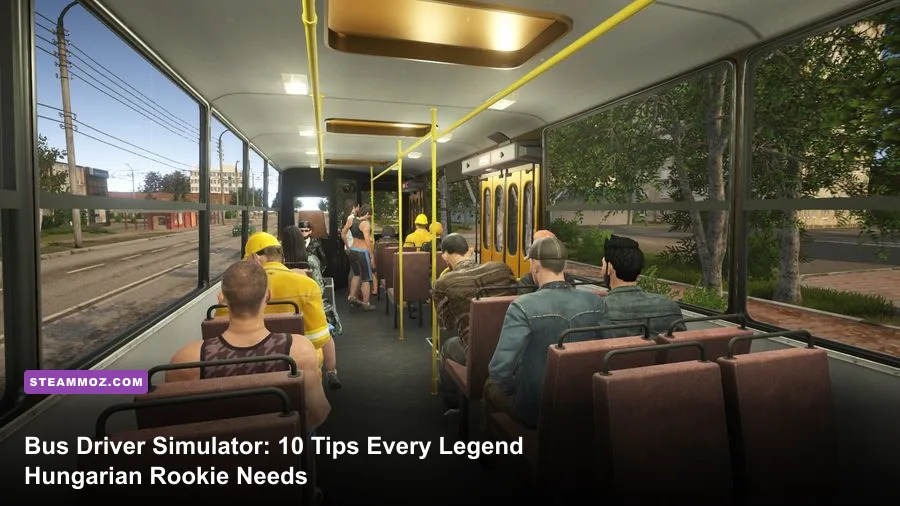
The fastest way to improve in Bus Driver Simulator - Hungarian Legend is to treat every route as a timing-and-space puzzle: learn the bus's turning circle, brake before the stop, use the mirrors constantly, and protect passenger comfort before chasing speed. Start with short familiar routes, keep traffic violations off your record, and only increase difficulty after you can complete several runs without harsh braking, missed stops, or curb strikes.
Hungarian Legend rewards patience more than reckless driving. Its old-school Ikarus buses feel long, heavy, and slightly reluctant to respond, especially when you are carrying a full load through tight urban streets. That friction is the appeal. The following ten tips focus on the mistakes that cost new drivers the most money, reputation, and route time.
If you are new to driving simulators generally, Steamoz's guide to reading PC requirements realistically is also useful before you start adjusting performance settings.
1. Learn the Ikarus before chasing route rewards
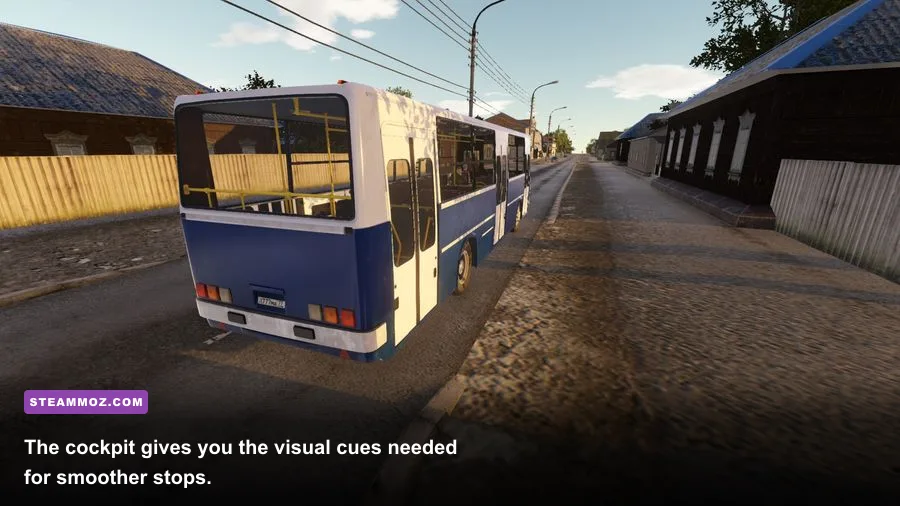
Your first few journeys should be treated as practice laps. The Hungarian Legend content is built around the character of classic Hungarian buses, particularly the familiar Ikarus-style layout and long rear section. That means the front wheels may clear a corner while the rear still clips a pole, island, parked vehicle, or curb.
Use a quiet route or free-drive session to test three things: how far the bus rolls after releasing the accelerator, how much steering lock it needs for a ninety-degree turn, and how wide the rear swings when you leave a stop. Do this before accepting a demanding timetable. A five-minute test can save an entire route from a collision penalty.
Keep your camera high enough to see the road edge, but not so far back that the bus's front disappears. The cockpit view is best for judging lanes and mirrors; an external chase view is better for tight turns. Swap between them rather than insisting on one camera for every situation.
| Driving element | What to practise | Why it matters |
|---|---|---|
| Front overhang | Stop short of poles and signal posts | The nose reaches obstacles before the steering position does |
| Rear swing | Turn gradually away from the curb | The rear section can cut across the sidewalk or adjacent lane |
| Braking distance | Begin slowing before the stop marker | A full bus needs more road than the speedometer suggests |
| Mirror coverage | Check both sides before moving | Traffic and passengers are easy to miss from the cockpit alone |

🎮 Bus Driver Simulator - Hungarian Legend
Looking to experience this game? Grab your digital key directly on our store for $0.99.
View on Steammoz Store →2. Build a repeatable control layout
Default controls are workable, but new players often lose precision because essential actions are scattered across the keyboard. Put steering, throttle, brake, indicators, doors, horn, camera, and mirror controls where your fingers can reach them without looking down. A wheel is excellent if you already own one, but a controller can be smoother than a keyboard for throttle and braking.
Do not bind the parking brake to a key you can hit accidentally. The same goes for the door command. Opening doors while approaching a stop or releasing the brake at a junction creates avoidable chaos. If your controller has analogue triggers, reserve them for throttle and brake, then use the bumper buttons for indicators.
Before starting a career route, test the controls while stationary. Press each door command, check the indicator lights, and make sure the camera does not jump when you are trying to inspect a mirror. A clean layout reduces mental workload, leaving you free to watch traffic and passenger feedback.
3. Read the route instead of blindly following GPS
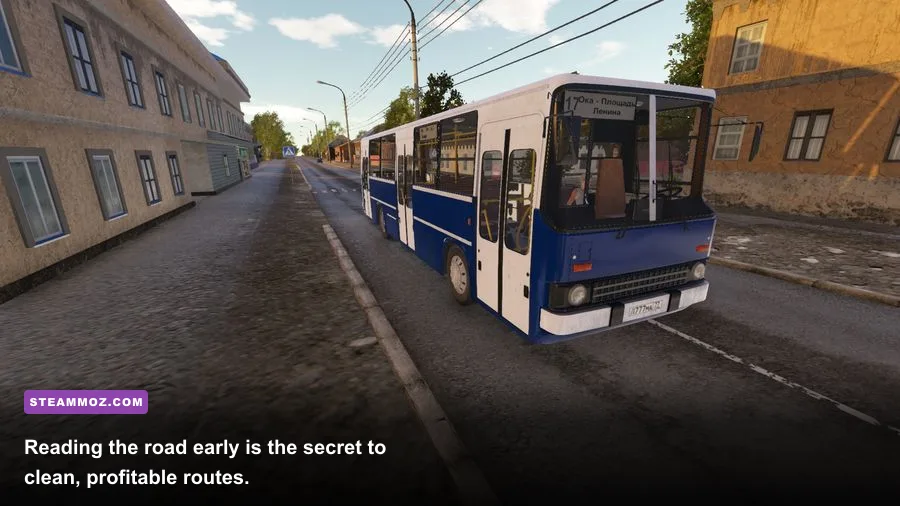
The navigation line tells you where to go, not how to get there safely. It can lead you toward a turn that looks simple on the map but demands a wide setup in the actual street. Start scanning at least one junction ahead. If the next stop is immediately after a turn, stay in the correct lane early and avoid last-second swerves.
Bus stops are not interchangeable. Some give you generous approach space; others are tucked beside traffic, parked cars, or a narrow curb. Reduce speed before the stop becomes visible, then square the bus with the platform. Pulling in at an angle may technically place you near the marker, but it makes boarding awkward and forces a dangerous exit.
Learn landmarks rather than memorising every street name. Large junctions, bridges, tram corridors, and distinctive building clusters are more useful than trying to read every GPS instruction. After two or three runs, you should recognise the sections where traffic compresses and where the route opens into a faster stretch.
Use the official Bus Driver Simulator Steam page to check the current route and feature details, since updates can change supported maps and modes.
4. Stop smoothly, not dramatically
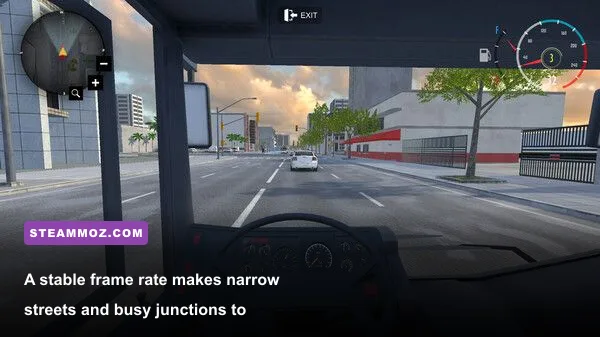
Passenger comfort is won during the final few metres. The common beginner mistake is waiting until the bus stop marker is directly ahead, then applying maximum brake. That may avoid overshooting, but it creates the harsh deceleration that damages your run.
Instead, lift off the throttle early and let the bus coast. Apply light braking in stages, increasing pressure only when you need to lose the final amount of speed. Aim to arrive alongside the curb at walking pace. If you miss the exact stopping position, do not jerk forward and backward repeatedly; settle the bus, open the doors when the game allows it, and leave cleanly.
Approach stops with the front axle aligned toward the boarding area, but leave enough room for the rear section to follow the curb. On a long bus, the best angle is usually created before the actual bay. Entering too sharply forces the rear outward and can produce a collision even when the front looks perfect.
| Situation | Best response | Typical beginner error | Result |
|---|---|---|---|
| Stop visible ahead | Release throttle and coast | Maintain speed until the marker | Harsh braking and passenger discomfort |
| Traffic behind you | Signal early and keep a steady approach | Brake suddenly to force a gap | Rear-end risk and route delay |
| Bus angled at the curb | Correct gently before opening doors | Reverse and forward repeatedly | Time loss and possible collision |
| Stop partly blocked | Wait for a safe opening or use the legal edge | Mount the curb to reach the marker | Damage, penalties, and unhappy passengers |
5. Use mirrors before every lane change
Mirrors are not decorative dashboard furniture. They are your early-warning system. Check the relevant side mirror, signal, look forward again, and move only when the gap is still open. A vehicle that is clear when you first glance may be beside the rear axle by the time the bus begins drifting across the lane.
Because the bus is long, lane changes should be gradual. Do not steer sharply toward the next lane; make the manoeuvre predictable for traffic behind you. Cancel the indicator after the bus is fully settled, especially before approaching a junction where other drivers need to understand your intention.
At a stop, check the mirror before closing the doors and again before pulling away. Cars can pass on the traffic side while passengers are boarding. If the game provides mirror or camera toggles, practise switching quickly until it becomes automatic. That single habit prevents a large share of avoidable contact penalties.
For a broader look at how patience and route planning shape simulation games, compare the approach in Steamoz's Dungeon Siege retrospective. Different genre, same lesson: systems reward consistency.
6. Treat traffic lights and junctions as timing puzzles
Do not accelerate toward a yellow light simply because the bus has momentum. The extra seconds rarely compensate for a violation or a late emergency stop. Scan cross traffic, pedestrians, and turning lanes before entering an intersection. Your bus may be physically clear while the rear still blocks a crossing, so avoid stopping halfway through unless the road design leaves no alternative.
At busy junctions, choose a lane early. If the route turns right, occupy the right lane before the queue forms. If you miss the lane, continue safely and recover on the next opportunity instead of cutting across traffic. A small navigation mistake is usually cheaper than a collision, a red-light penalty, and a passenger-comfort hit stacked together.
Give yourself extra space behind cars. The bus's elevated view can make a gap look larger than it is, and the vehicle ahead may brake for reasons you cannot see. Smooth following also leaves room to stop if traffic suddenly compresses near a bus bay.
7. Make the first routes about clean driving
Early progression is more reliable when you value completed, low-penalty journeys over maximum speed. A route with fewer incidents builds useful funds and confidence, while a rushed run can erase its reward through collisions, missed stops, and passenger complaints. Repeat a manageable line until its turns and stop locations become instinctive.
Use the first earnings on practical improvements or access to routes that suit your skill level rather than immediately choosing the most difficult assignment. Long routes with dense traffic magnify every weak habit. Shorter routes give you more opportunities to practise boarding, signalling, junction timing, and safe recovery.
Track what went wrong after each run. If you missed stops, you have a route-reading problem. If you struck curbs, your turning setup needs work. If the bus was constantly late despite clean driving, you are probably braking too early or spending too long correcting at stops. Diagnose the pattern instead of changing everything at once.
| Run quality | Priority | What to improve next |
|---|---|---|
| Clean but slow | Keep the same safety habits | Reduce unnecessary coasting and over-correction |
| Fast with collisions | Lower speed immediately | Braking points, mirrors, and turning radius |
| On time with discomfort | Smooth throttle and braking | Approaches to stops and traffic-light timing |
| Missed stops | Scan farther ahead | GPS interpretation and landmark recognition |
8. Pick graphics settings for visibility and stability
A locked, readable image is more valuable than a handful of extra visual effects. Driving depends on judging distance, lane edges, mirrors, and moving traffic. If frame pacing is uneven, steering corrections become less predictable and braking points feel inconsistent.
Start with a sensible 60 FPS target if your PC can hold it, then adjust resolution and shadow quality before sacrificing visibility. Lowering traffic detail or weather effects can help on weaker hardware, but keep road textures and view distance high enough to read stops and junctions. Use the game's performance readout if available, and test settings on a busy urban route rather than an empty road.
| Setting | Recommended starting value | FPS impact | Visual trade-off |
|---|---|---|---|
| Resolution | Native monitor resolution | High | Lowering it improves FPS but softens signs and stop markers |
| Shadows | Medium | Medium to high | Medium preserves depth without expensive long shadows |
| View distance | High | Medium | Important for spotting junctions, traffic, and stops early |
| Reflections | Low or medium | Medium | Lower values reduce surface detail with limited driving impact |
| Weather effects | Medium | Medium | Rain and glare look better, but can reduce clarity on older GPUs |
| Frame cap | Stable target, usually 60 | Improves consistency | A stable cap feels better than unstable peak FPS |
Do not copy a settings profile from a completely different game and assume it will translate. Steamoz's frame-focused settings guide explains the same practical principle: identify the expensive options, then protect the settings that improve readability.
9. Weather and night driving demand slower decisions
Reduced visibility changes your braking strategy even when the route itself is familiar. Rain, darkness, and glare make road edges harder to read, while reflections can hide lane markings. Drop your speed before bends and junctions rather than waiting until the hazard is fully visible.
Use headlights when appropriate and keep checking the road beyond the immediate pool of light. Do not let a clear GPS line tempt you into driving at daytime speed. Stops can appear later, pedestrians and traffic can blend into the background, and a wet surface leaves less room for a last-second correction.
Night routes are also excellent for learning discipline. The slower pace exposes poor habits quickly: late indicators, aggressive lane changes, and following too closely all become more dangerous. Once you can complete a dark or wet run cleanly, normal daytime routes feel dramatically easier.
10. Turn every failed route into a training plan
The best Hungarian Legend drivers do not simply restart after a bad run. They identify the exact trigger. A collision at a right turn may mean you entered too fast, turned too early, or failed to account for rear swing. A missed stop may mean you watched the GPS line instead of the road. A late arrival may come from spending too long waiting for perfect gaps rather than choosing a safe, legal opening.
Change one variable during the next attempt. If braking was the problem, reduce approach speed but keep your line identical. If the rear clipped a curb, begin the turn later and leave more clearance. If passengers disliked the ride, soften both acceleration and braking instead of crawling through the entire route.
Keep an informal checklist before departure: route loaded, correct camera, mirrors visible, indicators working, doors understood, and graphics running smoothly. This takes seconds and prevents technical mistakes from looking like driving mistakes.
For official updates, supported features, and community information, check the official Steam listing and the publisher's KishMish Games website. Simulator mechanics can shift with patches, so current documentation is more trustworthy than an old clip.
The clean-route formula that actually works
Put the ten tips together and every journey becomes much less stressful. Learn the bus in a quiet area, configure controls for quick access, read the next junction early, signal before you need to, and brake in stages. Approach every stop at walking pace, check mirrors before moving, and accept that arriving a few seconds late is better than damaging the bus and upsetting the passengers.
Hungarian Legend is at its best when you stop trying to drive it like an arcade racer. The Ikarus feels deliberate because the simulation wants you to plan ahead. Once that rhythm clicks, the long wheelbase stops feeling like a liability and starts feeling predictable. You will know when to begin braking, how wide to set up for a turn, and exactly when the rear of the bus has cleared an obstacle.
That is the real beginner breakthrough: not memorising every route, but understanding the bus well enough to make unfamiliar streets manageable. Drive cleanly first, drive quickly later, and the rewards will follow naturally.