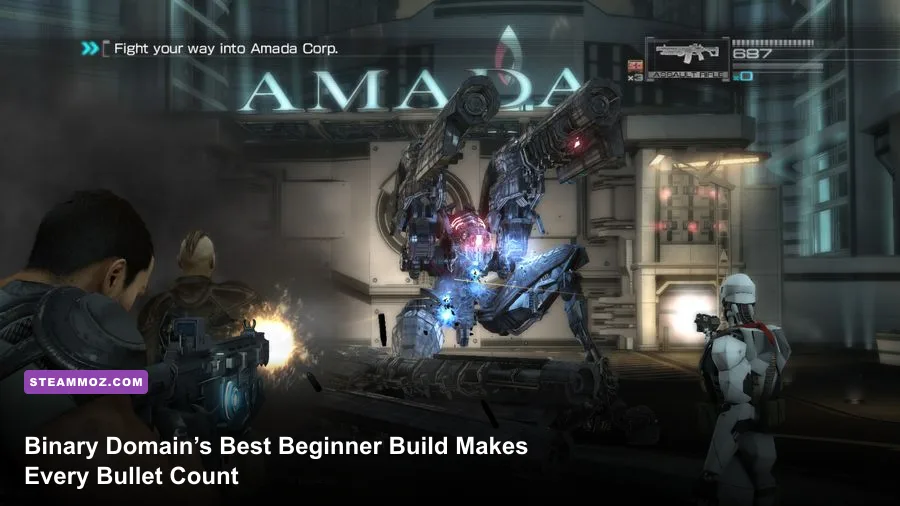
The best Binary Domain Collection starting build is a balanced assault setup: prioritize Assault Rifle Damage, Reload Speed, Max Health, and Squad Recovery, then add Shotgun Damage once your core upgrades are online. This gives Dan Marshall reliable mid-range damage, enough survivability to survive his first Tokyo missions, and a squad that can recover instead of collapsing every time a Golem appears.
Binary Domain is not a loot-driven RPG, so “build” means something very specific here. You’re shaping Dan’s skill-chip loadout, choosing which weapons receive scarce nanomachine upgrades, and deciding how much of your budget goes into squad support. Get that order wrong and the campaign can feel stingy. Get it right and the same game suddenly becomes a sharp, aggressive cover shooter where robots lose armor piece by piece under focused fire.
This guide is aimed at a first run of the Binary Domain Collection on Normal difficulty, but the logic also works on Hard. It covers the opening chapters, the most efficient skill path, weapon priorities, squad behavior, boss preparation, and PC settings that keep the action responsive. If you enjoy learning older shooters with modern expectations, our Desperados III review has a similar appreciation for games that reward deliberate positioning.

The Core Beginner Build for Dan Marshall
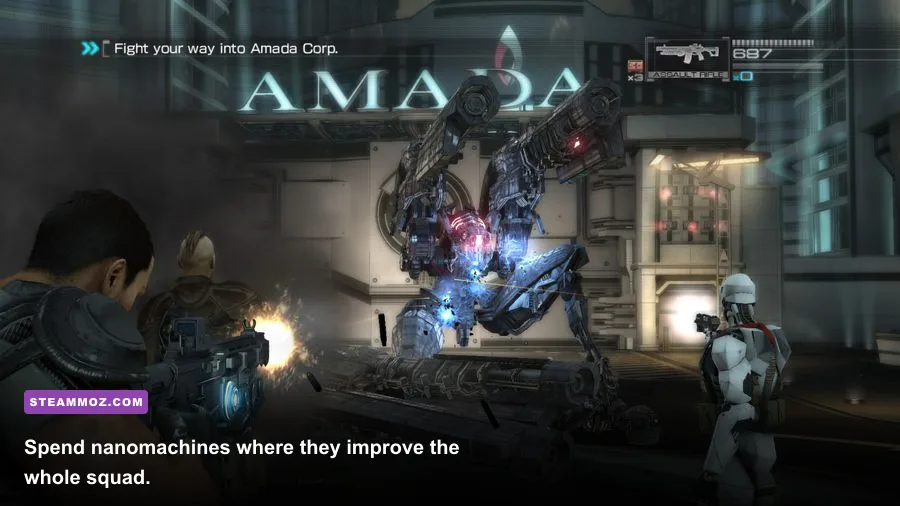
Dan starts with the assault rifle, and it should remain the center of your build for most of the early campaign. It is accurate enough to strip armor from humanoid machines, has a useful magazine, and doesn’t force you to stand dangerously close to enemies. The shotgun is your panic button, not your main damage source: use it to finish exposed robots, interrupt rushers, and punish anything that reaches cover.
Your first nanomachine purchases should improve the weapons and defensive systems you use constantly. Weapon Damage is a better opening investment than a highly specialized upgrade because it benefits every firefight immediately. Reload Speed comes next. Binary Domain’s enemies keep pressure on your position, and a slow reload is often what turns a manageable encounter into a downed squad member.
| Priority | Skill or weapon focus | Why it matters | When to buy it |
|---|---|---|---|
| S-Tier | Assault Rifle Damage | Reliable armor stripping at common combat ranges | First offensive upgrade |
| S-Tier | Reload Speed | Reduces your most dangerous downtime under pressure | After the first damage purchase |
| A-Tier | Max Health | Lets Dan survive an extra burst or explosive mistake | Before tougher mid-game encounters |
| A-Tier | Squad Recovery | Helps allies return to the fight after being downed | Early, especially on Normal |
| A-Tier | Shotgun Damage | Makes close-range finishing shots more dependable | Once the core four are active |
| B-Tier | Accuracy | Useful, but careful burst fire already controls recoil | Mid-game luxury |
| B-Tier | Explosive Damage | Strong against groups, but ammunition is inconsistent | Later or for a specialist run |
Max Health is more valuable than it first appears. Binary Domain’s cover is destructible, and a robot that looks safely pinned can suddenly remove your protection with concentrated fire. Health upgrades buy enough time to retreat, revive a teammate, or issue a command. Don’t rush into Critical or niche weapon bonuses while Dan still falls over after one bad peek.
The recommended opening order is simple: Assault Rifle Damage → Reload Speed → Max Health → Squad Recovery → Shotgun Damage. If the upgrade menu presents a prerequisite or a slightly different chip label, choose the closest equivalent in that category. The principle is more important than a rigid shopping list: improve consistent damage, reduce downtime, protect Dan, then make the squad more resilient.
🎮 Binary Domain Collection
Looking to experience this game? Grab your digital key directly on our store for $3.19.
View on Steammoz Store →How to Spend Nanomachines Without Wasting Them
Nanomachines are your campaign currency for skill and weapon development, and early waste is painful because the game doesn’t shower you with money. Don’t buy every available weapon the moment a vending machine appears. A new gun can be exciting, but an upgraded weapon you understand is usually stronger than an unmodified replacement.
Search side rooms, office corners, stair landings, and dead-end routes before triggering the next objective. Binary Domain hides useful pickups away from the obvious path, and those extra nanomachines are effectively permanent advantages. Break destructible objects when safe, but don’t sprint into open ground for a crate while an armored enemy still has line of sight.
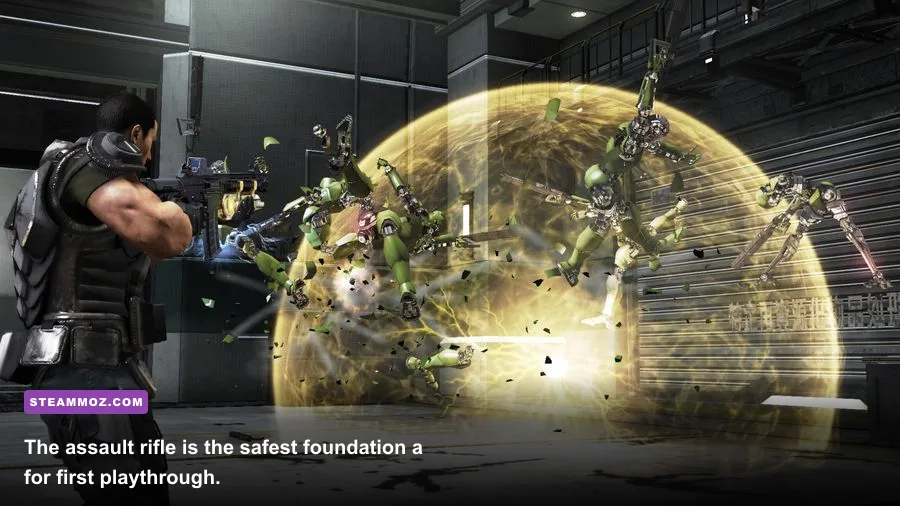
Put weapon upgrades into the guns Dan actually carries. The assault rifle deserves the first serious investment because it handles drones, standard humanoid robots, and exposed weak points. The shotgun earns its place when enemies close the distance. Sniper upgrades are excellent for players who naturally stay far back, but they are a poor first purchase if you’re still learning enemy timing.
There’s also a hidden economy in ammunition. A weapon that kills efficiently saves ammo, and saved ammo gives you flexibility during boss encounters. Use the rifle for controlled bursts rather than emptying magazines into armored plates. Fire at joints, heads, exposed cores, and glowing components. Once armor breaks, stop shooting that section and transfer your aim to the newly vulnerable target.
Trust matters too. Binary Domain’s squad members react to your choices and performance, and stronger relationships can improve cooperation. You don’t need to obsess over every dialogue exchange, but avoid reckless behavior that repeatedly gets allies downed. Keeping teammates alive and issuing useful commands is not just role-playing flavor; it makes encounters more stable.
For a useful comparison, treat this economy like a progression system rather than a shopping spree. Our Dungeons 2 beginner build guide covers the same broader lesson: early resources should strengthen a dependable core before you chase flashy options.
Squad Skills, Commands, and Combat Rotation
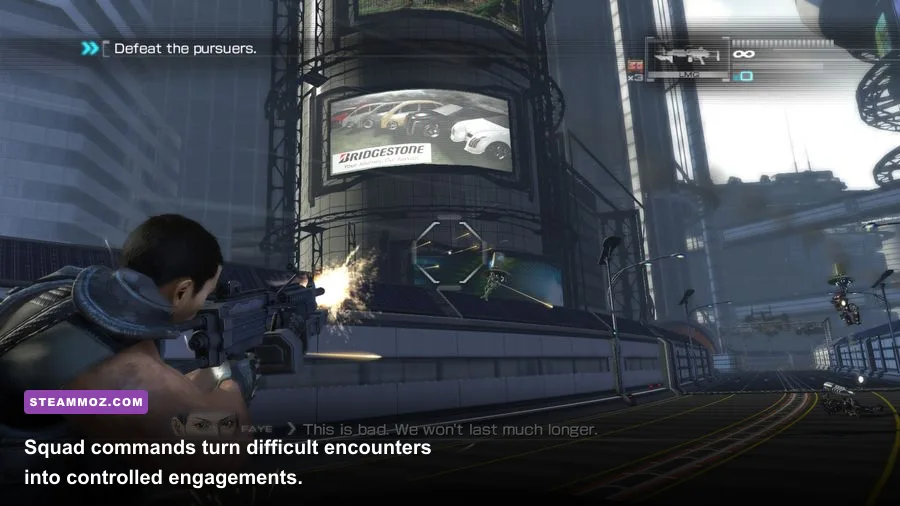
Dan is only one piece of the build. Binary Domain’s combat becomes much easier when you use the squad as a tool instead of treating allies as background decoration. Issue commands before the shooting starts, not after everyone is already taking damage. A squad member behind solid cover can suppress a target while Dan flanks its exposed side.
Early on, Squad Recovery is the most practical support investment. Allies will make questionable peeks, especially in cluttered arenas, and a downed companion removes damage from the field. Recovery doesn’t make them invincible, but it shortens the punishment window. Squad Damage is a strong follow-up because every ally benefits from it, while Squad Defense becomes more attractive if you’re playing aggressively or tackling Hard difficulty.
| Squad situation | Dan’s action | Command priority | Reason |
|---|---|---|---|
| Standard humanoid robots | Strip head or arm armor with rifle bursts | Focus Fire | Concentrates damage and removes weapons faster |
| Rushing melee machine | Backpedal, then use the shotgun at close range | Hold Position | Stops allies from following you into danger |
| Armored heavy | Circle to the weak point while allies distract it | Attack | Splits attention and creates a safe flank |
| Open arena with little cover | Move between hard cover after short bursts | Regroup | Prevents the squad from being scattered |
| Downed teammate | Clear the nearest threat before reviving | Defend | Creates breathing room for recovery |
Your basic combat rotation should look like this: mark or focus the most dangerous machine, fire short rifle bursts into its armor, reposition before your cover breaks, and use the shotgun only when a target crosses your personal safety line. If an ally is down, don’t automatically sprint for the revive. Kill or stagger the enemy threatening the body first.
Big Bo is especially useful when you need pressure at close range, while Faye can help maintain damage from a safer distance. The exact squad composition changes during the story, so build around roles rather than a single permanent lineup. Whoever is with you, keep them near meaningful cover and give commands that match the arena. “Attack” in an open courtyard and “hold” in a narrow corridor are not interchangeable decisions.
Enemy Weak Points and Boss Preparation
Binary Domain’s robots are designed to shed armor, and that system is the key to surviving without burning through ammunition. Look for visual damage: sparking limbs, missing face plates, glowing cores, and exposed cables. Shooting a protected torso repeatedly is usually the least efficient option. Break the part that changes the enemy’s behavior, then finish the exposed component.
Humanoid soldiers become much less threatening when you remove their weapons or damage their arms. Drones are vulnerable to disciplined rifle fire, but they punish players who stand in the open while tracking them. Heavy machines telegraph attacks with loud mechanical movement and obvious posture changes. When a large enemy draws back an arm or locks onto your position, stop chasing damage and move laterally to fresh cover.
Before a boss arena, refill ammunition, equip the rifle as your default, and make sure your health and squad upgrades are not still sitting unused. Keep the shotgun available for adds or emergency interrupts. Bosses often encourage tunnel vision: you stare at the large target while smaller machines dismantle your cover. Clear adds during safe windows, then return to the boss’s weak point.
| Threat type | Danger telegraph | Counter | Best tool |
|---|---|---|---|
| Rusher | Sudden forward sprint or raised melee arm | Retreat around cover and punish the approach | Shotgun |
| Heavy armor | Slow turn, glowing weak point, heavy impact sound | Flank instead of trading frontal shots | Assault rifle |
| Rocket unit | Distinct lock-on warning and shoulder movement | Break line of sight immediately | Rifle bursts after the shot |
| Flying drone | Hover pause before a volley | Use cover, then fire during its recovery | Assault rifle |
| Boss adds | New enemies enter while the boss remains active | Clear the nearest group before re-engaging | Shotgun or explosives |
Don’t confuse aggression with speed. The fastest successful kill is often the one that takes five seconds longer because you waited for a weak point. Binary Domain’s cover destruction makes static defense unreliable, so rotate positions after major attacks. If you’re struggling with the campaign’s pressure, our Dins’s Curse survival tips offer another good reminder to value preparation over panic.
Best PC Settings for a Smoother Binary Domain
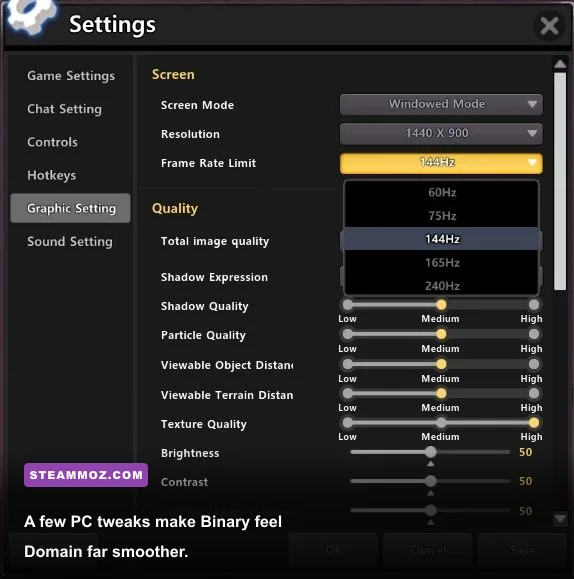
The PC version of Binary Domain is an older console-era port, so the goal isn’t simply to push every setting to maximum. A stable frame rate makes aiming, camera control, and quick cover transitions feel dramatically better. Start at 1920×1080 if your monitor supports it, use a sensible anti-aliasing option, and disable effects that make damaged robots harder to read.
Keep mouse sensitivity moderate and test it in an early combat area rather than the menu. Binary Domain’s camera can feel heavy at first, and excessive sensitivity makes controlled weak-point shots harder. If the game exhibits unusual behavior at very high frame rates, cap it to 60 FPS through your GPU control panel or a trusted frame limiter. That target suits the game’s animation and avoids chasing inconsistent performance.
| Setting | Recommended value | FPS impact | Visual note |
|---|---|---|---|
| Resolution | Native monitor resolution | High | Use 1080p or 1440p before lowering other options |
| Texture quality | High | Low to medium | Preserves robot armor detail and environmental clarity |
| Anti-aliasing | Moderate/high without severe blur | Medium | Reduce it if distant weak points look smeared |
| Shadows | Medium | Medium to high | Lower first when busy arenas stutter |
| Ambient effects | Medium | Medium | Maintains atmosphere without excessive noise |
| Frame rate | Locked 60 FPS | Stability priority | Usually preferable to an erratic uncapped result |
For installation and compatibility details, check the official Binary Domain Steam page and consult SEGA’s official site for publisher information. Community fixes can help with controller behavior or modern display quirks, but back up your save files before changing configuration files.
The Final Beginner Progression Plan
Follow the first four upgrades with discipline, and the opening campaign becomes far less punishing. Use the assault rifle to dismantle armor, reload behind cover, and let the squad hold attention while you work around a flank. Upgrade the shotgun after your defensive foundation is in place, then consider Squad Damage, Accuracy, or a specialist weapon based on how you actually play.
By the middle of the story, you should have a build that does three jobs well: it kills standard machines efficiently, survives mistakes when cover fails, and keeps allies active long enough to contribute. That’s a better beginner setup than chasing maximum damage on one exotic weapon. Binary Domain rewards consistency because its encounters are built around layered threats, destructible protection, and sudden changes in range.
| Campaign stage | Upgrade focus | Weapon plan | Combat habit |
|---|---|---|---|
| Opening missions | Assault Rifle Damage, Reload Speed | Keep the starting rifle central | Use short bursts and preserve hard cover |
| Early mid-game | Max Health, Squad Recovery | Add shotgun damage | Revive only after controlling the threat |
| Mid-game | Squad Damage or Accuracy | Experiment with sniper or explosives | Target weak points instead of center mass |
| Late game | Specialize around your preferred weapon | Save ammunition for bosses | Rotate cover whenever armor is destroyed |
The biggest beginner mistake is playing Binary Domain like a run-and-gun shooter. It isn’t. Move with purpose, command the squad before the room becomes chaotic, and treat every armor plate as a puzzle rather than a health bar. For more build-focused reading, see our DeltaZeal starting build guide and Don Duality beginner build guide.
That balanced assault build won’t make Dan invincible, and it shouldn’t. It gives you something better: enough damage to control encounters, enough health to recover from errors, and enough squad support to let Binary Domain’s best ideas shine. Once those fundamentals feel natural, respec toward sniper damage, explosives, or a more aggressive shotgun setup and the campaign opens up in a completely different way.